
QR code wedding photos
QR code wedding photos
One wedding QR code for every guest photo.
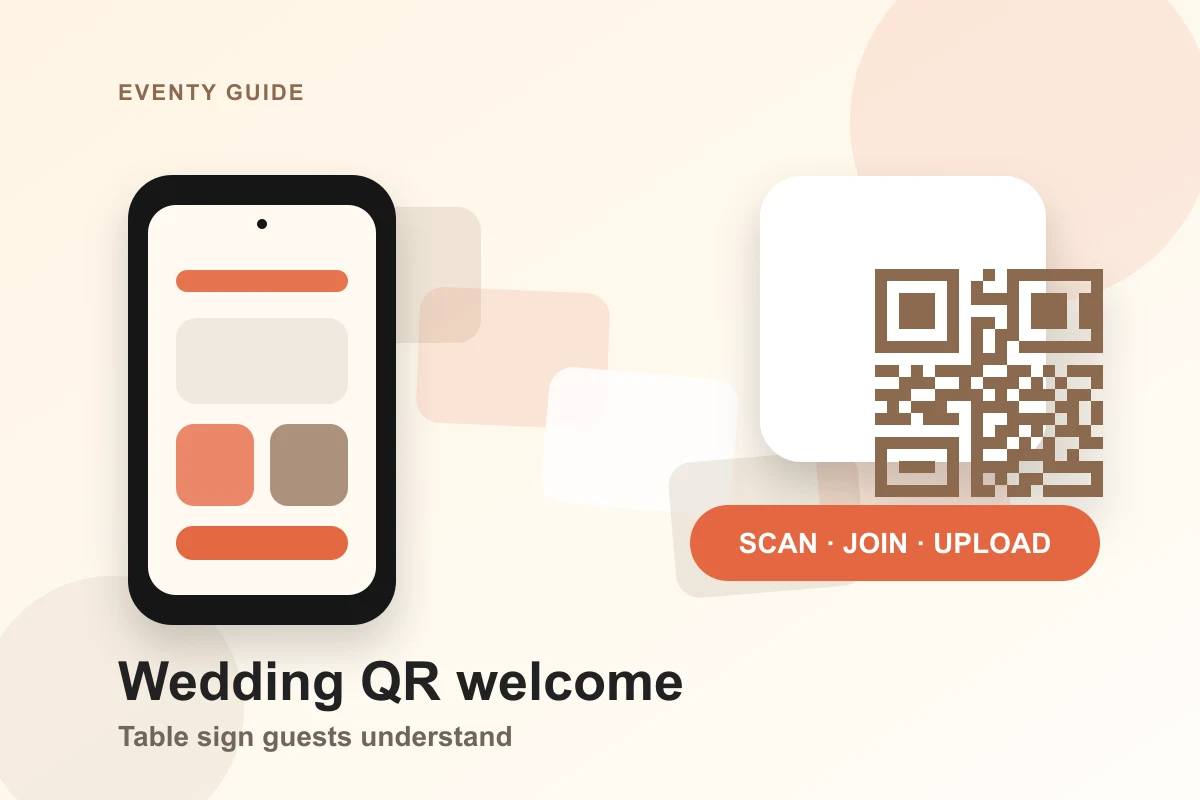
Put the same EVENTY QR code on table cards, welcome signage, and post-wedding messages. Guests scan the code and add their photos to the right private album.
 QR code wedding photos
QR code wedding photos
A QR code is only useful if the destination is clear
Where to place the QR code
Generic cloud folders can confuse guests and expose the wrong files. EVENTY gives the QR code a dedicated event flow with guest upload, private routing, and host controls.
Welcome sign
Place the code at the entrance so guests see it before the reception starts.
Table card
Put the same code at each table for a second reminder during dinner and speeches.
Follow-up link
Share the invite link after the event so guests can add photos they forgot to upload.
The QR belongs to one event
EVENTY routes scans into the event invite path, not a generic account page. Private album controls stay with the organizer.
QR code wedding photos
Reception table upload card
QR code wedding photos
Post-event photo collection
QR code wedding photos
Planner-managed QR materials
FAQ
More practical notes for private event albums, venue handoff, and guest photo upload.
Can one QR code work for the whole wedding?
Yes. The same invite QR can be reused across printed and digital materials for that event.
Can guests upload after the wedding?
Yes, if the event remains open and the organizer's retention settings allow it.
Does the QR code expose the album publicly?
No. The QR code opens the invite flow for that private event rather than a public gallery listing.