
 Guest experience
Wedding photo upload messages: invitations, QR cards and thank-yous
Ask for guest photos without turning your wedding into an assignment. Adapt these messages to your album, audience and real upload deadline.
Friendly guides for collecting event photos with QR invites, keeping albums private, and making the day easier for guests, organizers, venues, and planners.
 Wedding planning
A group chat can suit a small, familiar circle. A private QR album gives a larger wedding one clear collection point. Here is how to choose, and when to use both.
Guest experienceAsk for guest photos without turning your wedding into an assignment. Adapt these messages to your album, audience and real upload deadline.
Family celebrationsA wedding season can include several celebrations with different people and different expectations. Give each occasion a clear album, share its invitation with the right guests, and agree on what can be photographed before the first phone comes out.
WeddingsGuest photographs can tell the story from inside the celebration: a reunion at the door, a table's laughter, a goodbye the couple missed. Use these seven prompts as possibilities, choose a few, and spend the rest of the day being a guest.
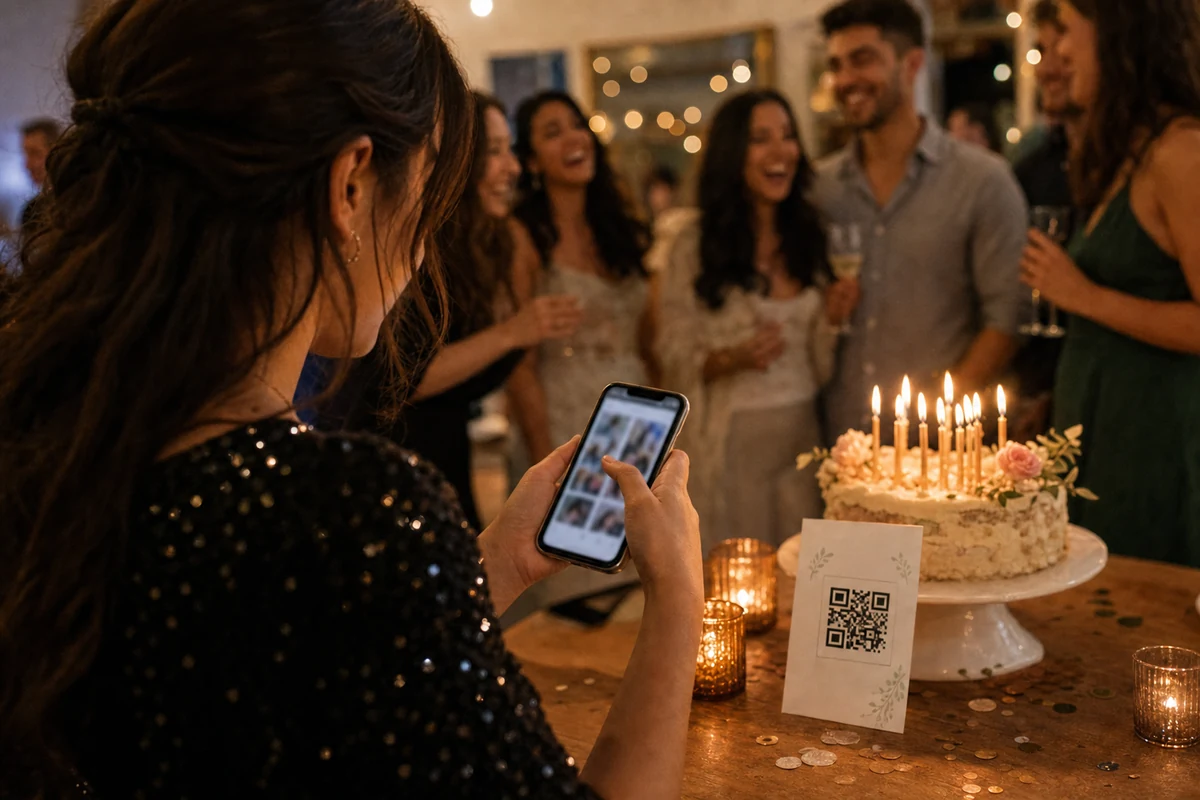 Photo quality
Collecting a good photograph takes more than sending a file. Choose a clear shot, use the photo from the photographer’s own phone and check the final upload status so your event ends with an album you can actually keep.
 Guest photo collection
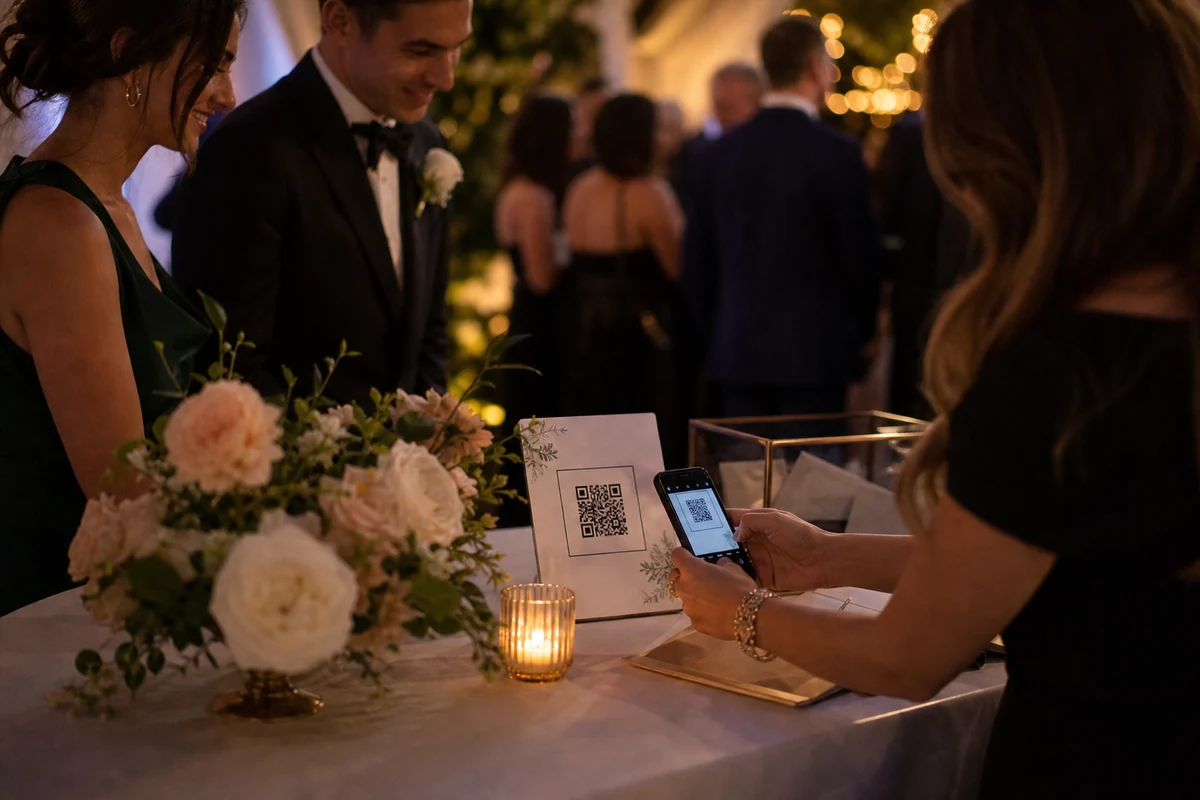
Use a single private QR code, clear table prompts, and a short upload screen so guests can add photos while the event is still happening.
 Comparison
A good wedding photo sharing app is not just storage. It should help guests upload quickly and help the couple or planner control privacy, retention, and export after the reception.
WeddingsSet the wedding album before the timeline starts, print QR prompts, brief the planner, and give guests a simple upload path.
 Privacy
Use invite-only access, clear guest text, and organizer review so wedding and party photos stay with the people who were there.
Guest experienceBrowser upload can be fast for guests, while the mobile app is better for organizer controls, upload reliability, purchases, and event management.
 Operations
Guest photos are most useful after the event. Plan how the organizer will review the album, download memories, and close the loop.
 Pricing
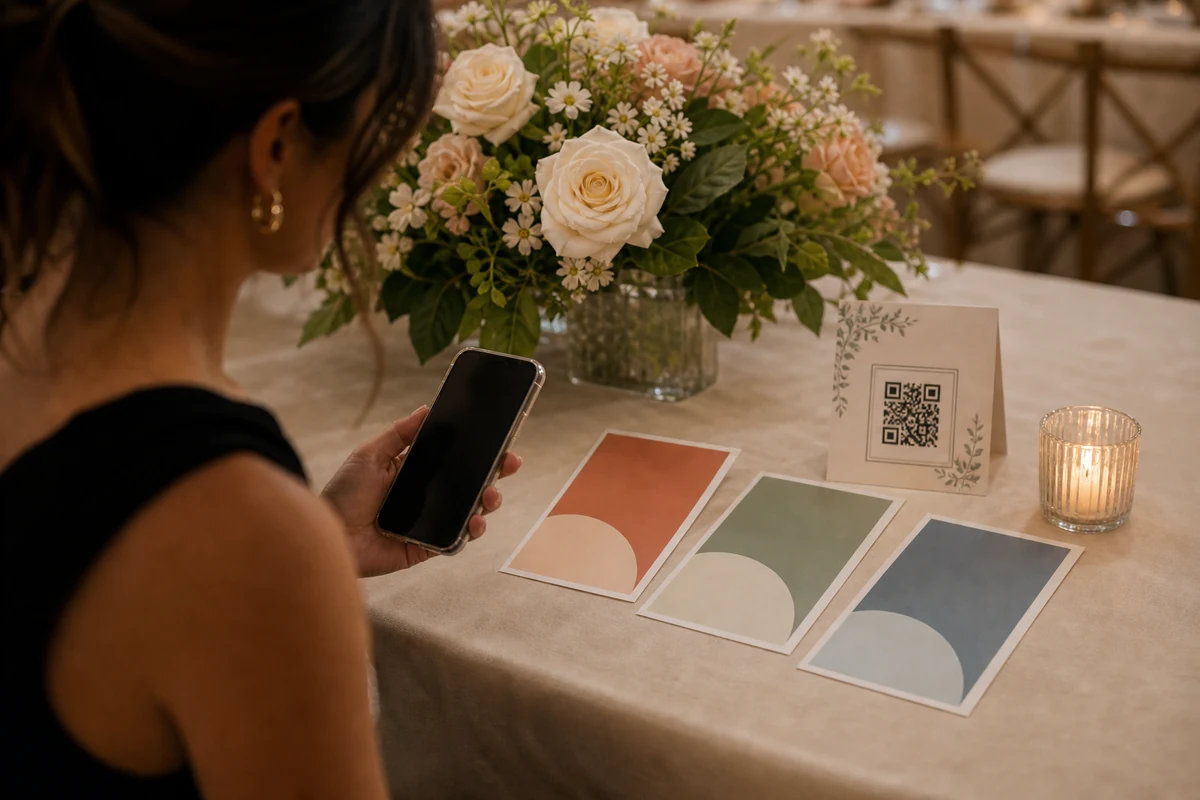
Most organizers need one album for one event, while venues and planners need repeat capacity. Event packs serve both without a forced subscription.
 Trust
TrustPrivate albums do not need a heavy control room. Organizers need a clear gallery, simple removal choices, and trusted access.
 Parties
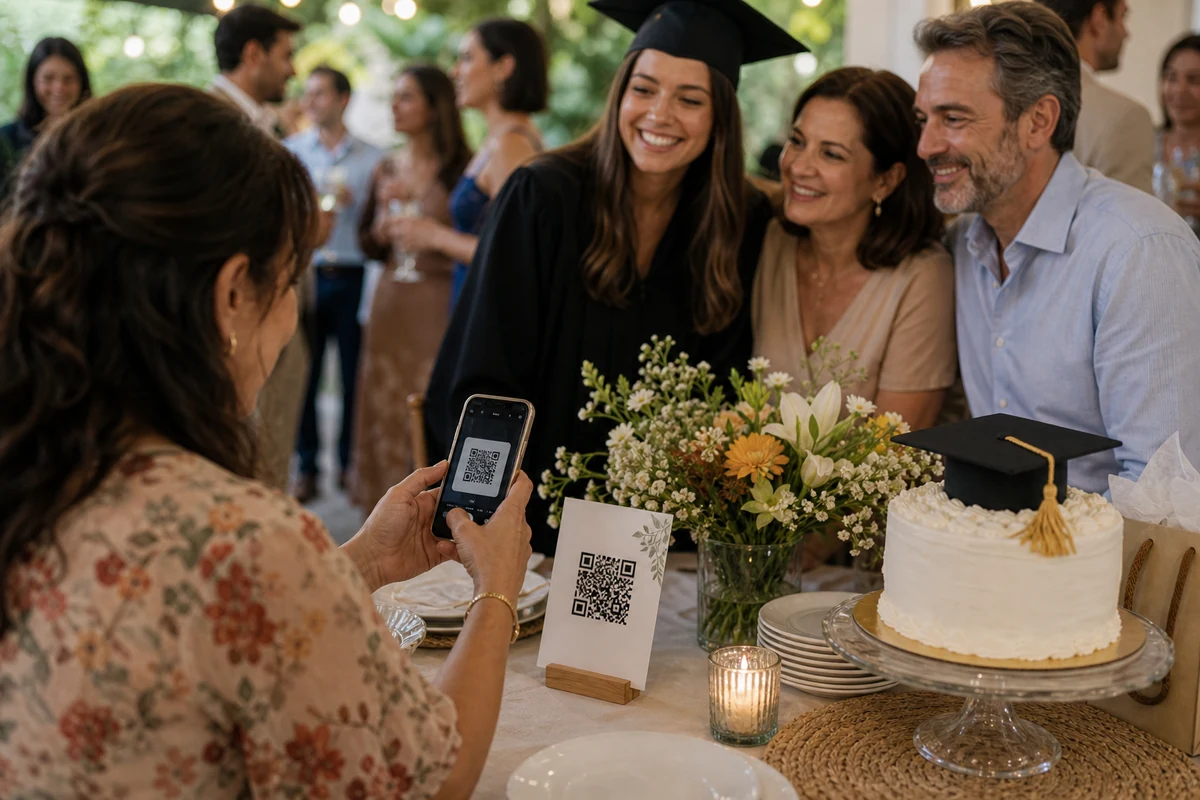
Short celebrations need simple QR prompts, a quick guest upload path, and a private gallery the organizer can review later.
 Privacy
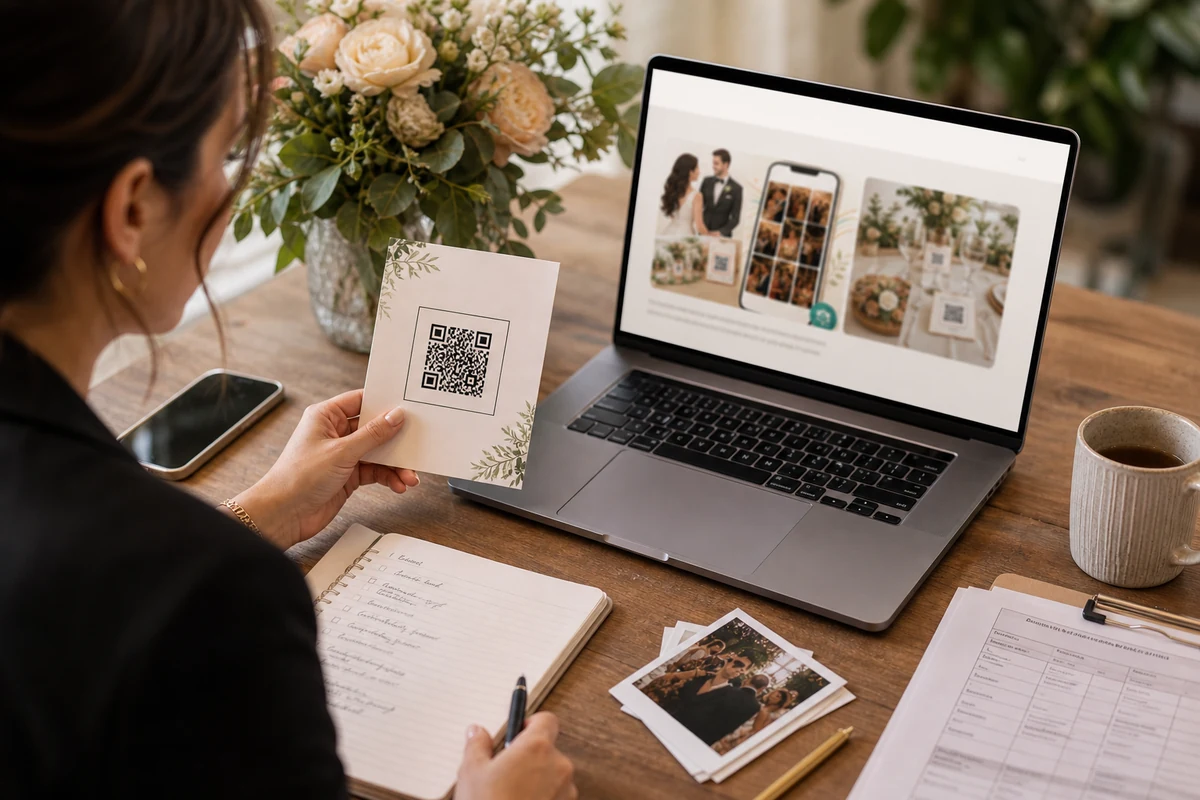
Public pages can explain how QR photo collection works. Actual album links should stay with the people invited to the event.
 Planning
Start with the shape of the event: how many guests will scan the QR, how many photos and videos they may add, and how long the organizer needs the album.
 Host operations
The best reminders are tied to useful event moments: QR setup before guests arrive, upload activity during the event, and download handoff afterward.
 QR materials
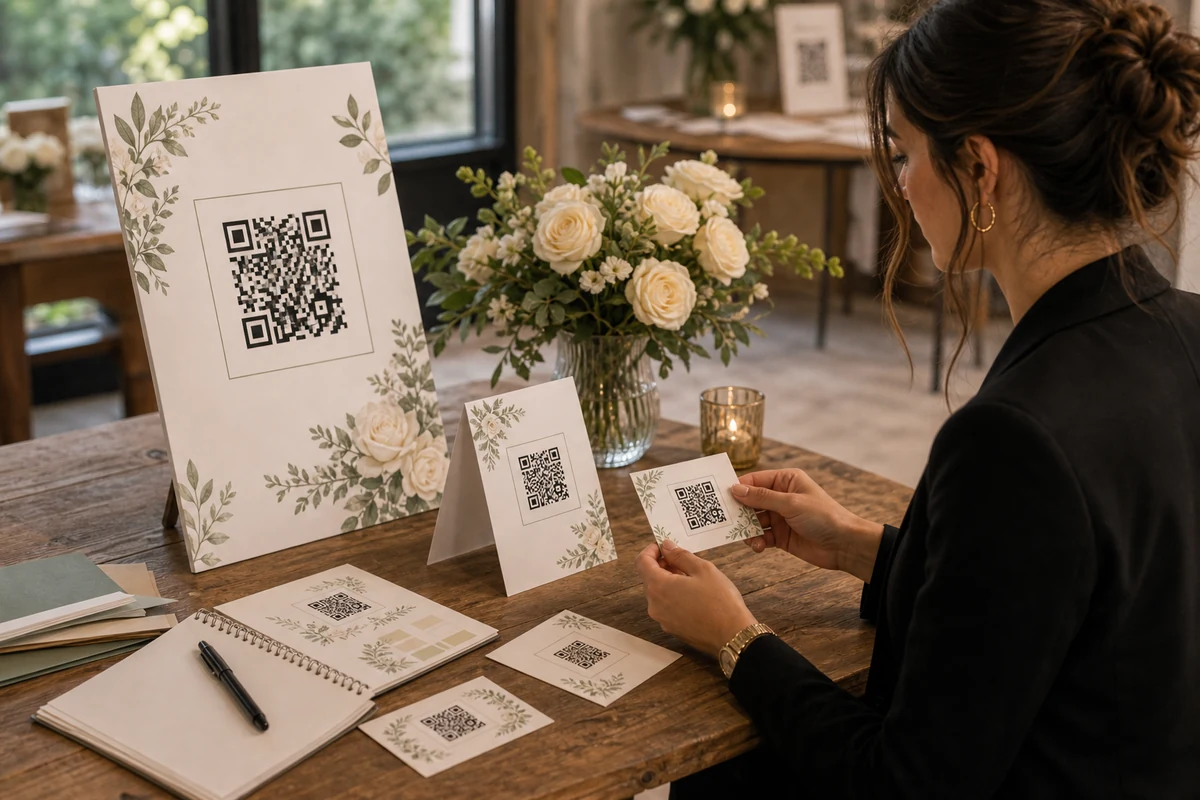
The best QR materials explain the private album in seconds: scan the code, open the event, upload photos, and download later.
 Privacy
Guests need simple privacy language and hosts need practical controls: who manages the album, what can be removed, and how long photos stay available.
 SEO
SEOPublic pages should answer buyer questions; real QR invite links should stay with the event, the organizer, and the people who were actually invited.