Public pages can explain how QR photo collection works. Actual album links should stay with the people invited to the event.
Use public pages for common questions
Before choosing an event photo tool, people want straightforward answers: how guests add photos, whether they need an account, who manages the album, what stays private, and how photos are saved after the event.
Those topics belong on public pages. They help organizers, venues, and guests understand the service before an event starts.
Keep actual album links inside the event
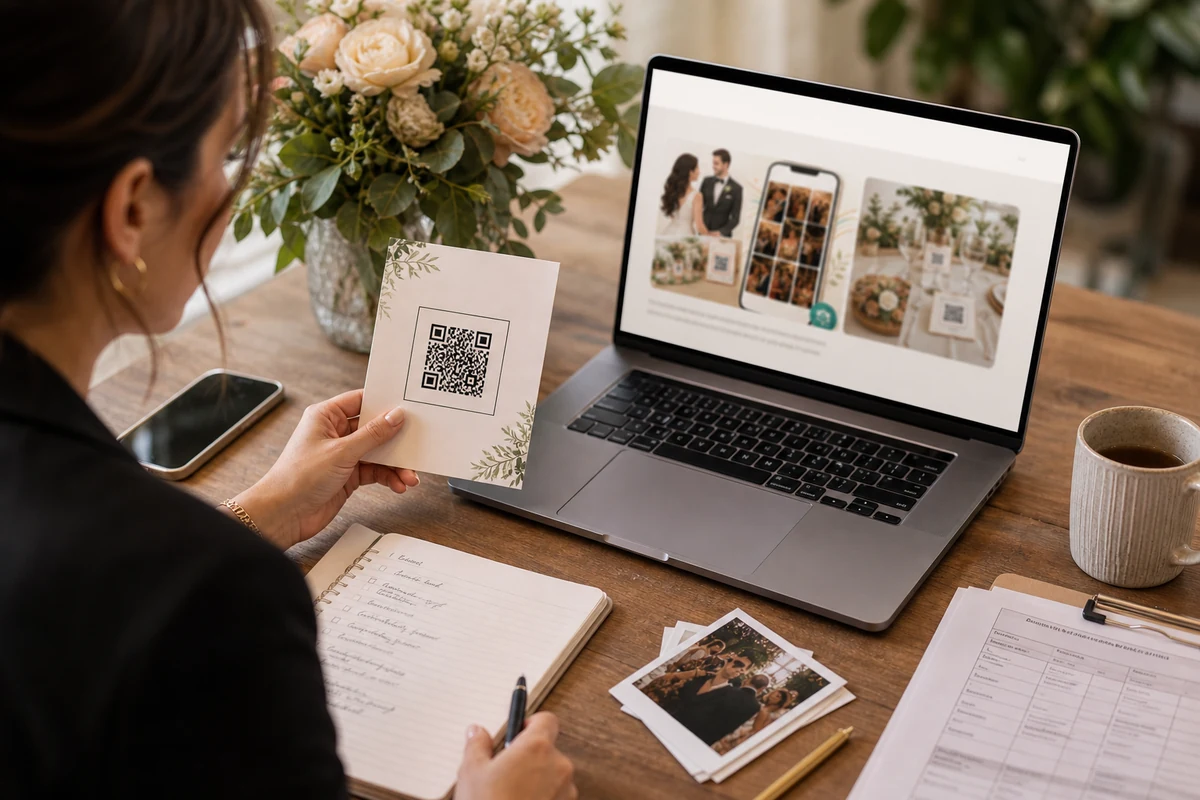
A private QR invite is different from a blog post or pricing page. It belongs to one wedding, party, graduation, or venue booking.
Do not reuse private album links as public examples. Public pages can describe the flow without exposing someone’s real event.
Make the guest screen self-explanatory
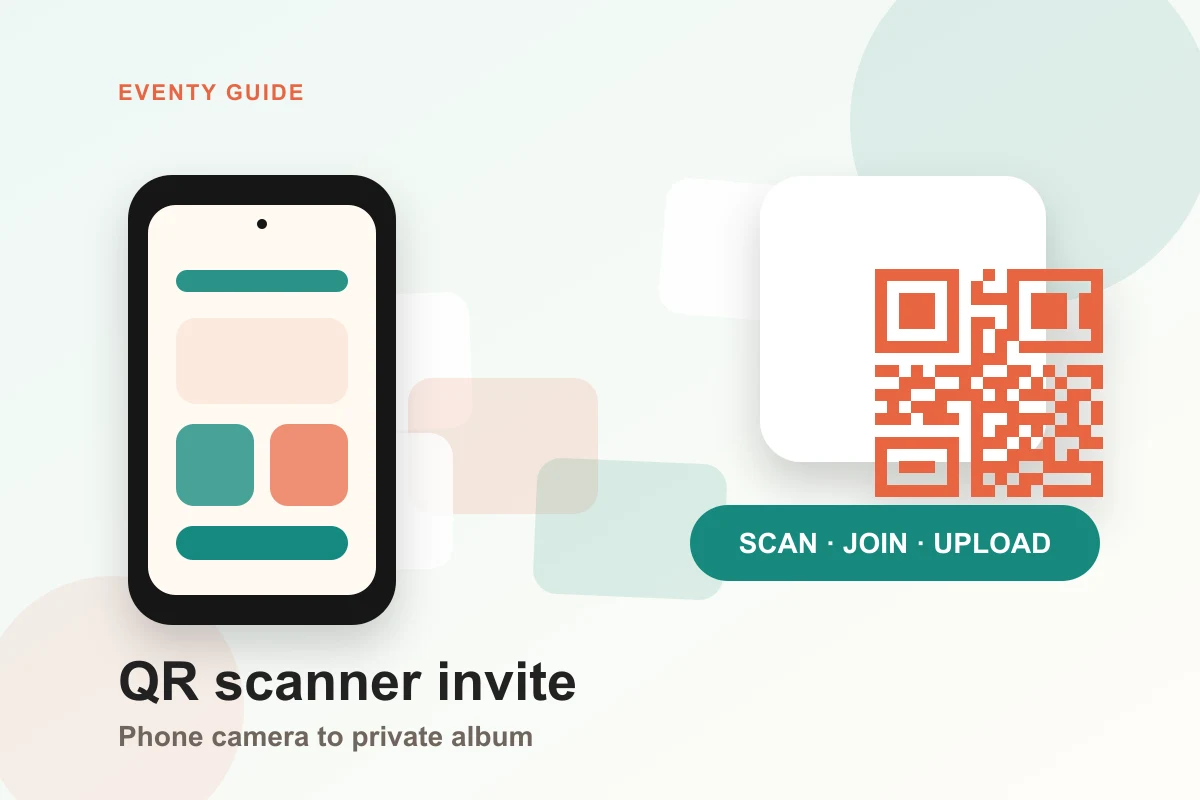
When guests scan a QR code, the page should immediately confirm the event and the action: add photos to this album. That removes guesswork without sending guests through extra explanation pages.
The public site can teach the service; the invite page should serve the moment.

Make public explanations useful
A useful public page should answer a real event-planning question: how guests add photos, what stays private, and who manages the album after the event.
For a privacy-sensitive service, precise language is part of trust: explain what is public, what is private, and who controls the album.

FAQ
Should private album links be posted on public pages?
No. Public pages should explain the service, but real album links should stay with the event invite and the people who received it.
What should guests see after scanning the QR code?
They should see the event name, a clear photo-add action, and enough privacy context to understand where the photos are going.