Use invite-only access, clear guest text, and organizer review so wedding and party photos stay with the people who were there.
Start with who should see the album
The first useful privacy question is simple: who is this album for? At a wedding, birthday, graduation, or company party, the answer is usually the people connected to that event, not the open internet.
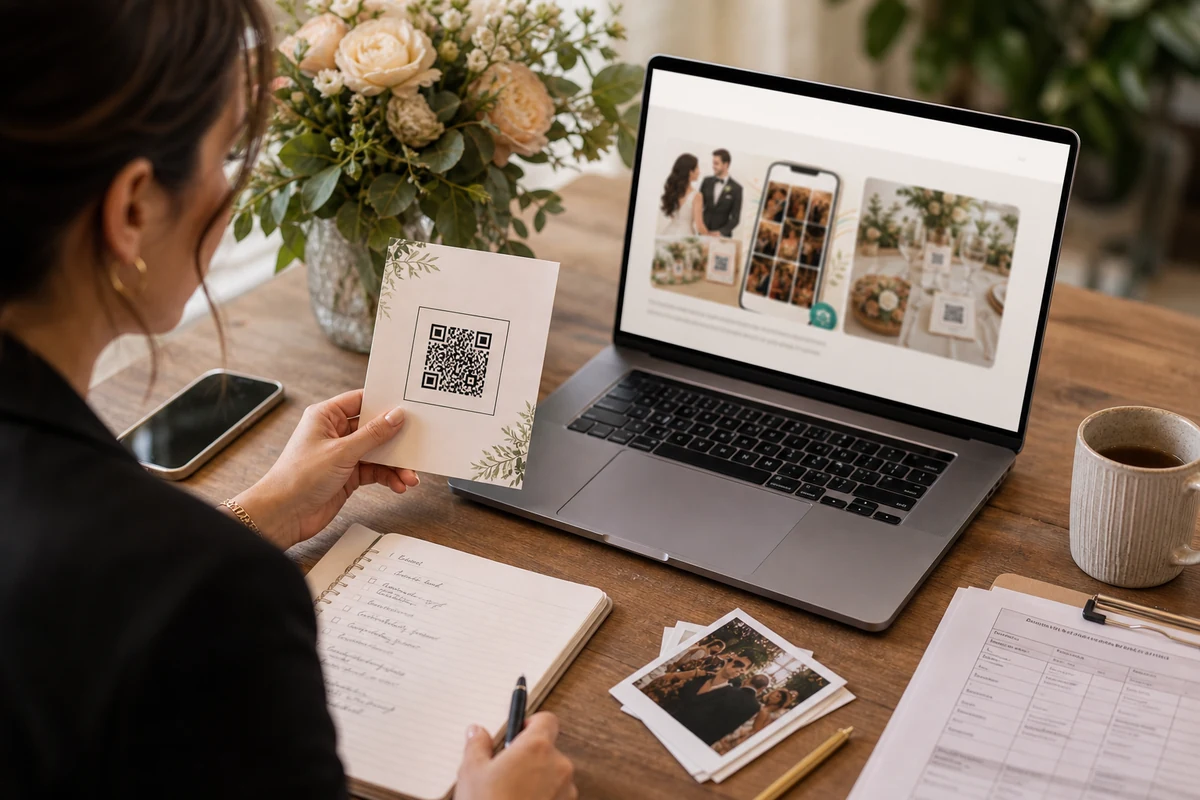
That is why a QR album should be tied to one event invite. Guests can add photos through the code they received, while the organizer keeps the album from turning into a searchable public gallery.

Tell guests what happens to their photos
Guests are more comfortable uploading when the first screen confirms the event name and explains that photos go into the private album. The message should be short enough to read while standing at a table.
Avoid legal-heavy wording in the upload moment. Plain language works better: this is the event album, the organizer manages it, and the photos are not being posted to a public social feed.

Give the organizer simple control after the event
After the event, the organizer needs to review the album, remove anything that should not stay, download what matters, and understand how long the album remains available.
Good privacy is not a long warning. It is a clear invite, a private album boundary, and a few controls that are easy to find when the celebration is over.

FAQ
Can guests add photos without making the album public?
Yes. A QR invite can let guests add photos to the event album while keeping the album itself private and managed by the organizer.
Who should be able to see and download the photos?
That depends on the event, but the decision should belong to the organizer. Guests should not automatically receive full download or management access just because they added a photo.