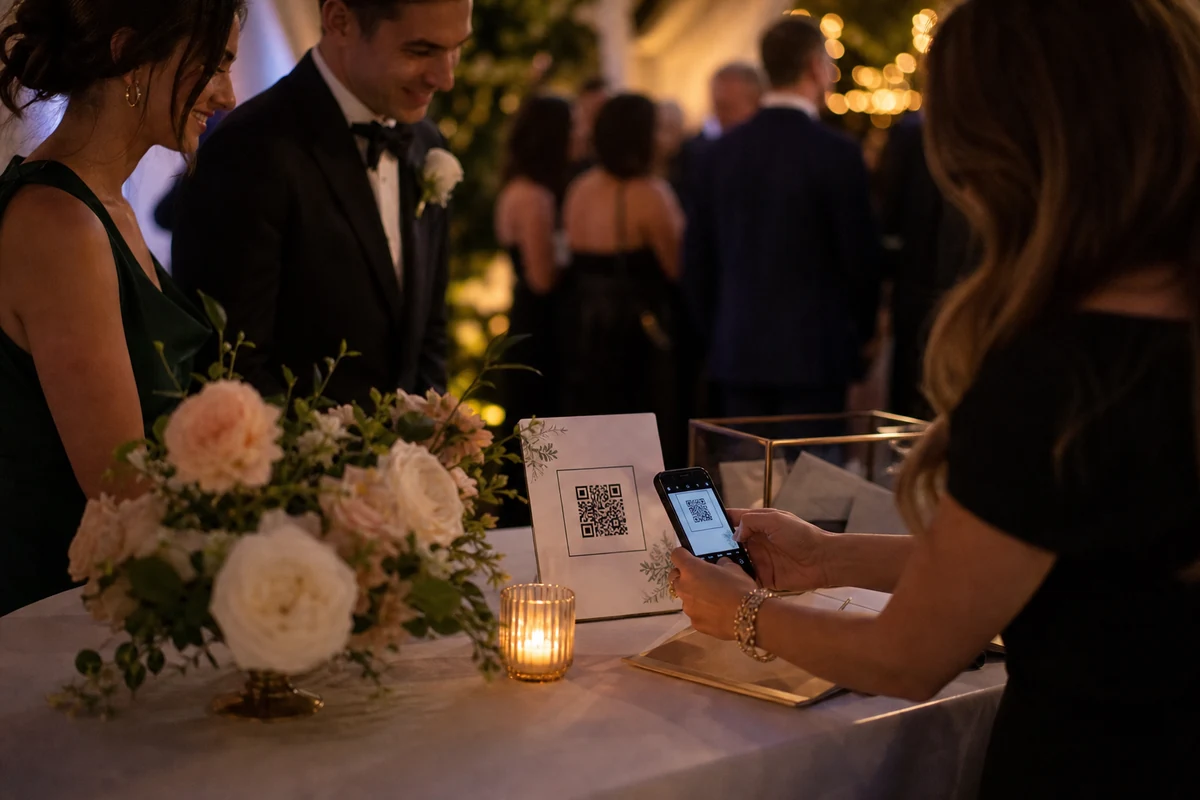
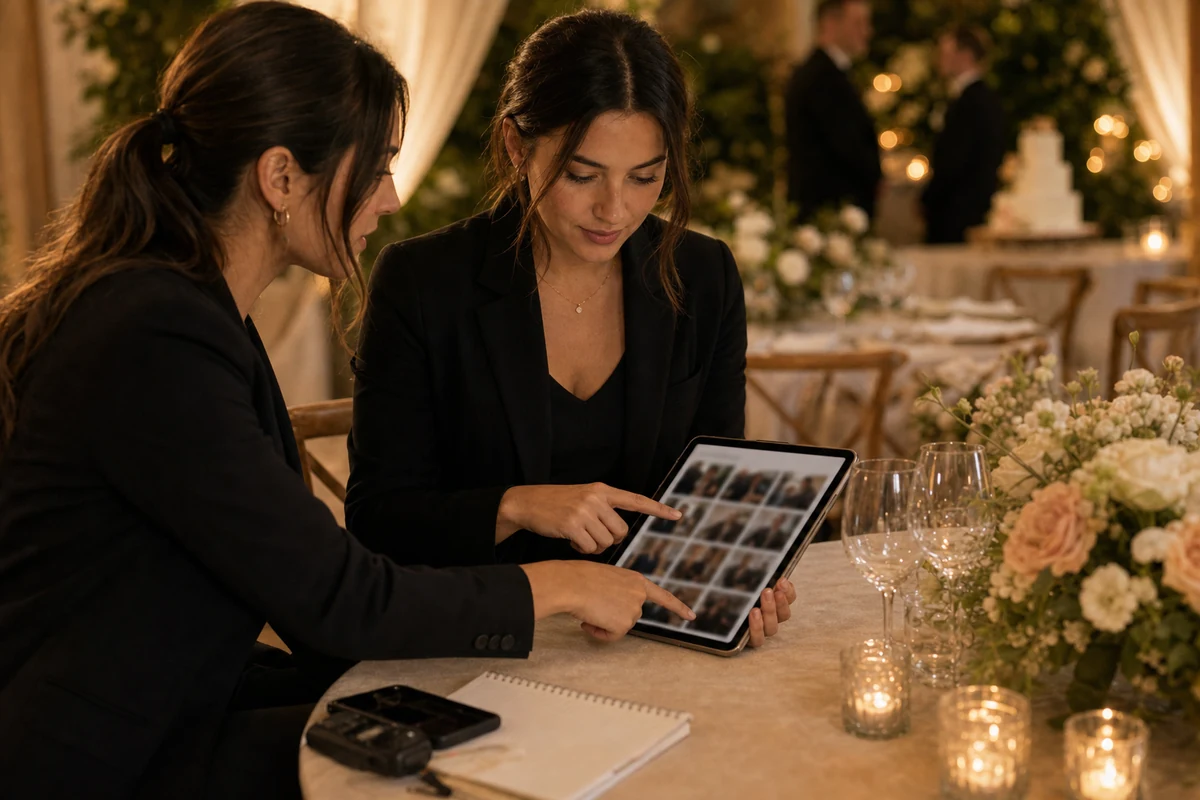
Set the wedding album before the timeline starts, print QR prompts, brief the planner, and give guests a simple upload path.
Before the wedding: create the album and prompts
Create the event album before printing stationery or finalizing the reception layout. That gives the couple, planner, and venue one confirmed QR code to reuse across table cards, welcome signs, and digital reminders.
Keep the wording direct. Guests should know the album is private, the QR code belongs to this wedding, and uploading takes only a few taps.
During the reception: make upload moments obvious
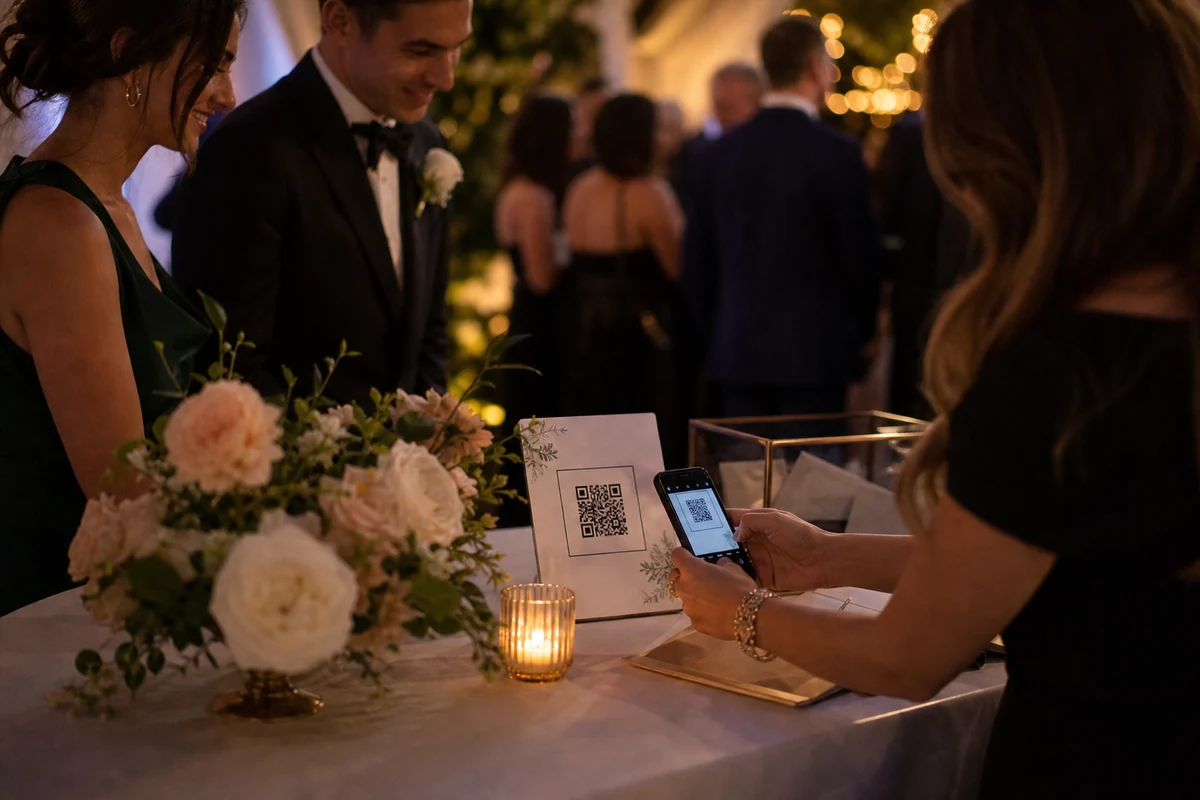
Guests will capture the ceremony, cocktail hour, speeches, dancing, and late-night details from angles the photographer cannot cover. The album setup should collect those photos without interrupting the event.
A planner or MC can mention the QR album once, but physical prompts still matter. People upload more when the reminder is already on the table.
After the wedding: review and keep the album private
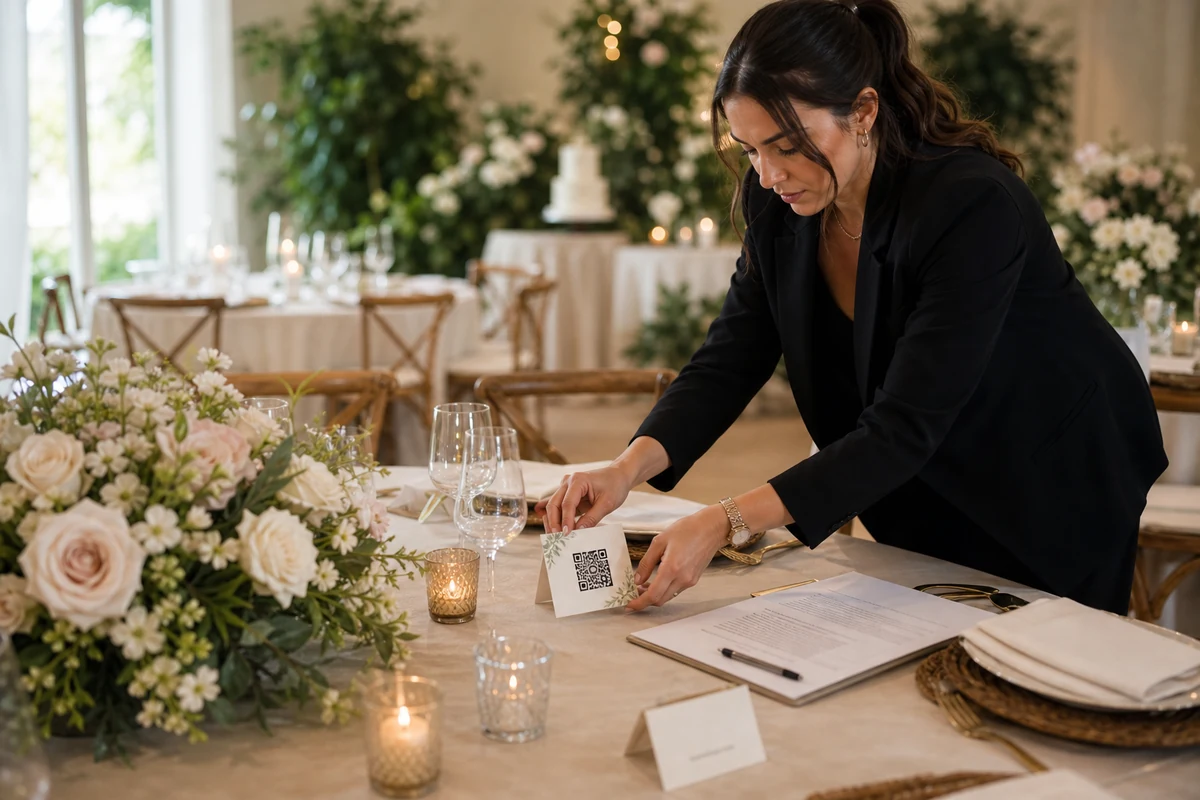
After the event, the couple needs a clean gallery they can review privately. This is where retention settings, exports, and moderation matter more than visual decoration.
The best private wedding album respects the difference between a memory archive and a public hashtag feed.
FAQ
Should wedding guests upload during or after the reception?
Both. The QR code should be visible during the event, and the organizer can also send the same event invite after the reception for guests who forgot.
Is a QR wedding album a replacement for a photographer?
No. It complements professional photography by collecting candid guest perspectives and phone photos from the full room.