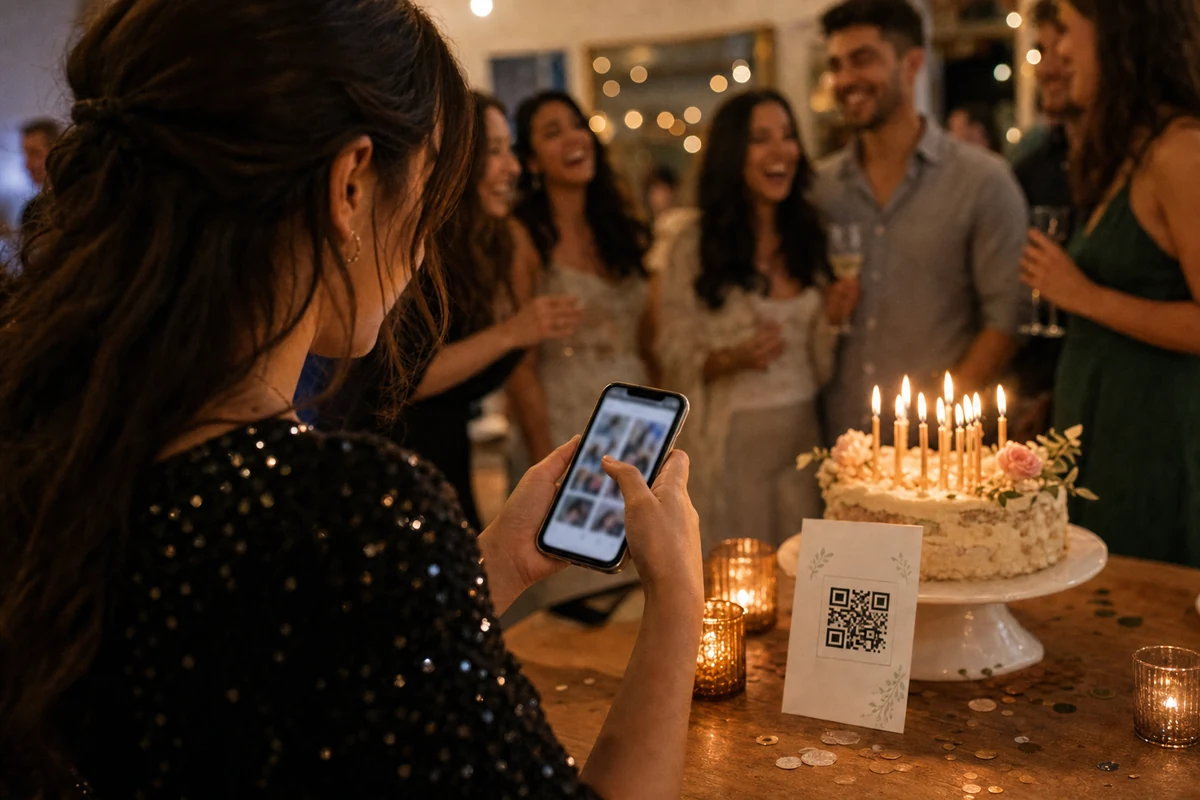
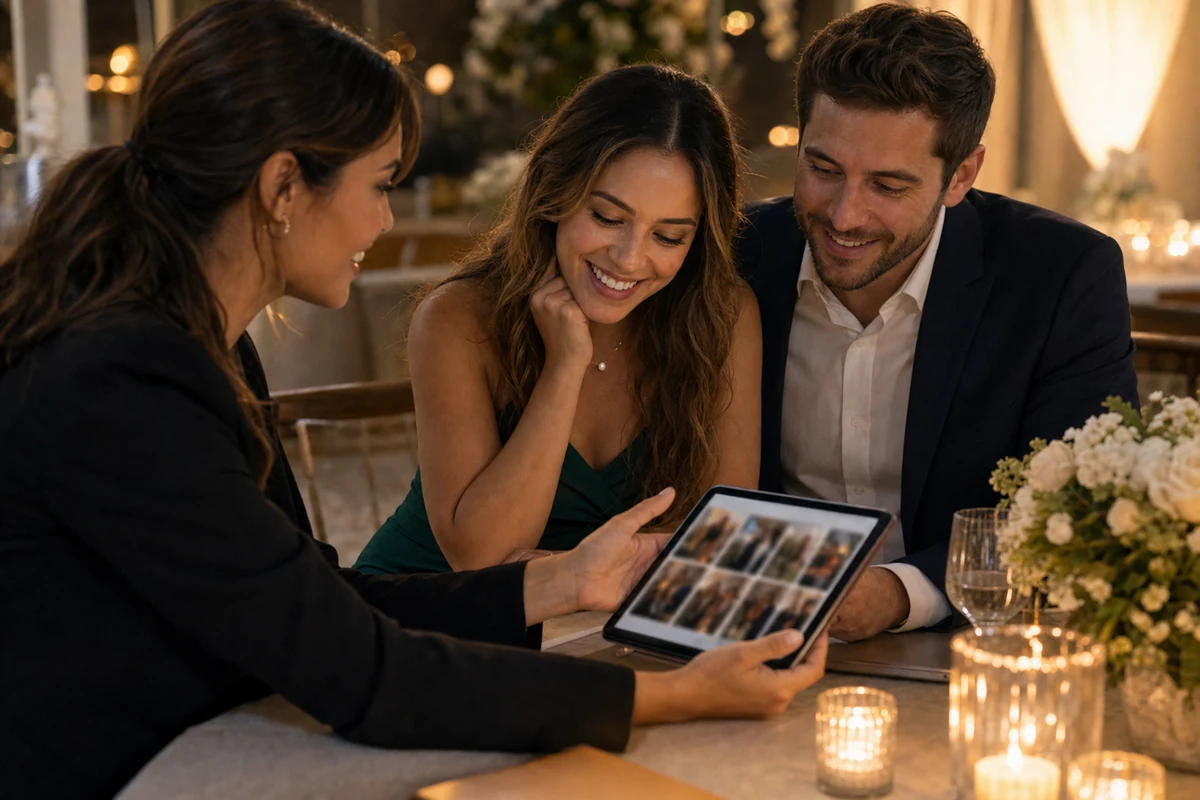
Use a single private QR code, clear table prompts, and a short upload screen so guests can add photos while the event is still happening.
Start with one clear event entry point
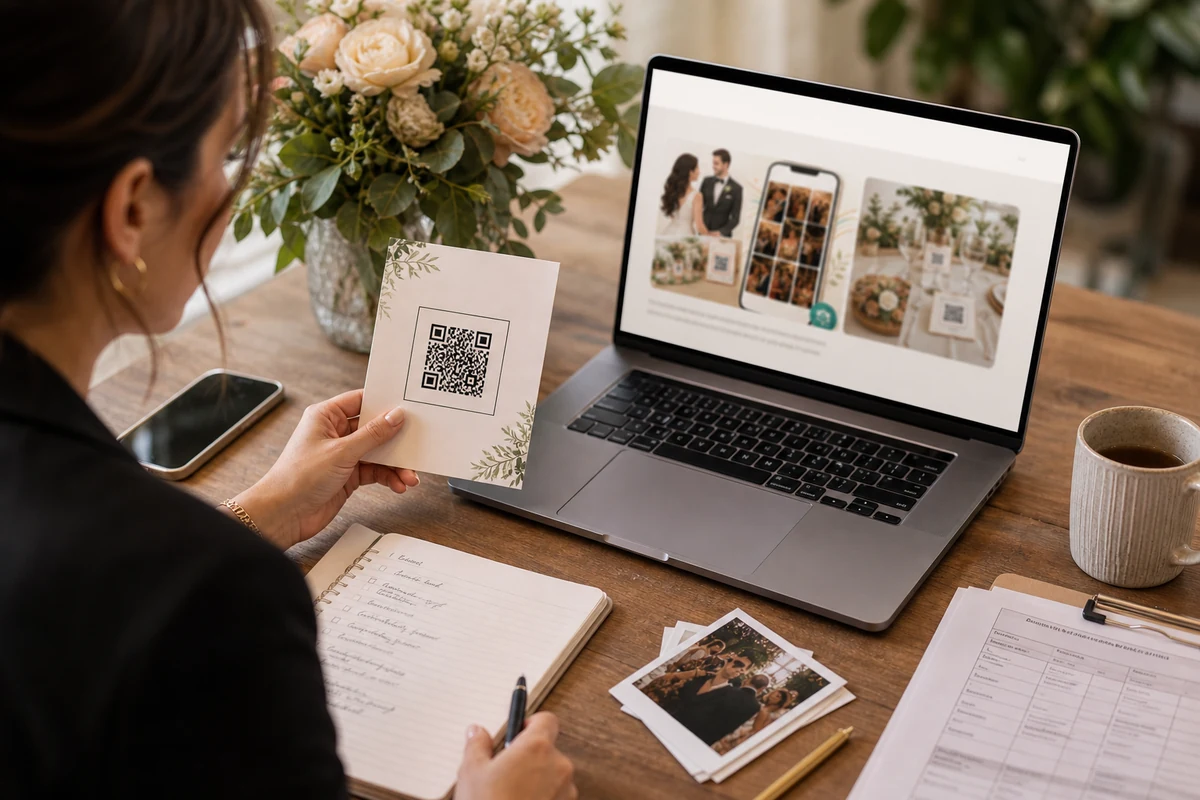
The simplest setup is one QR code per event. Guests scan it, land in the correct album, and understand that their photos will be saved for the organizer instead of disappearing in private chats.
Avoid sending guests through multiple links, group chats, or cloud folder permissions. Every extra decision reduces uploads, especially at weddings, birthdays, graduations, and company events where guests are moving quickly.
Put the QR code where guests already look
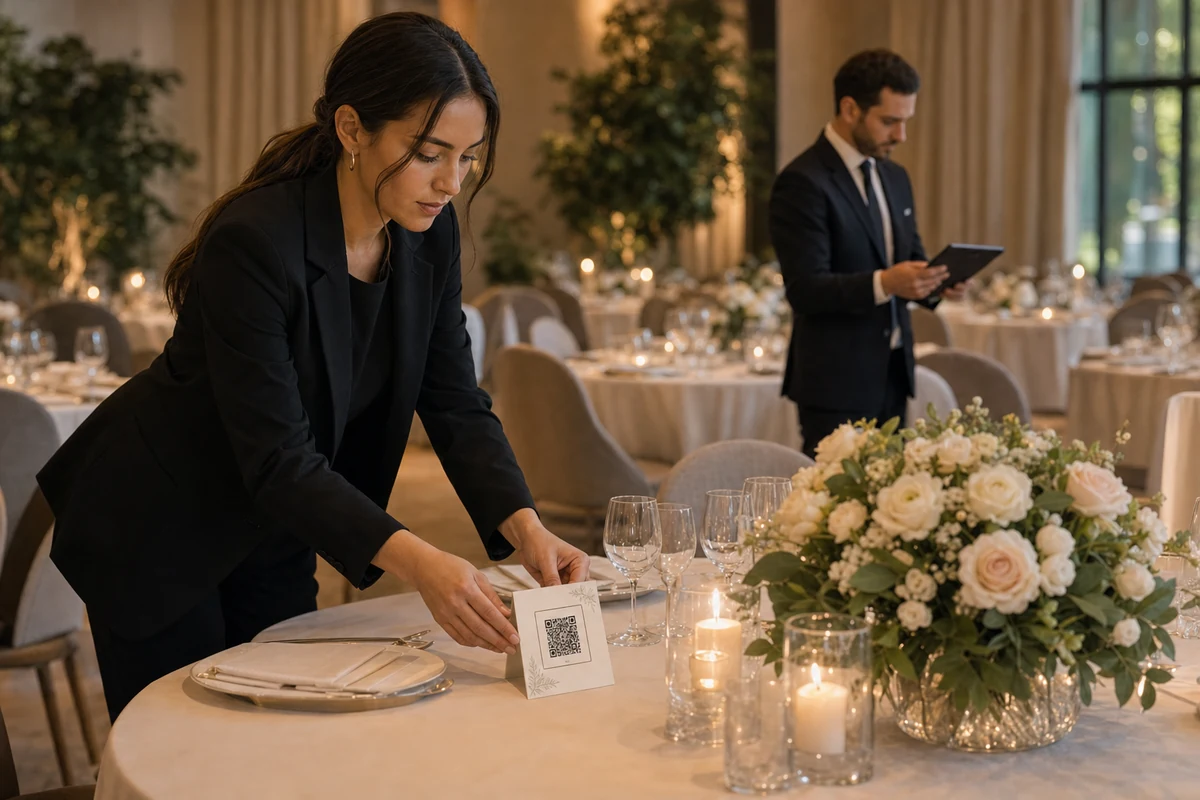
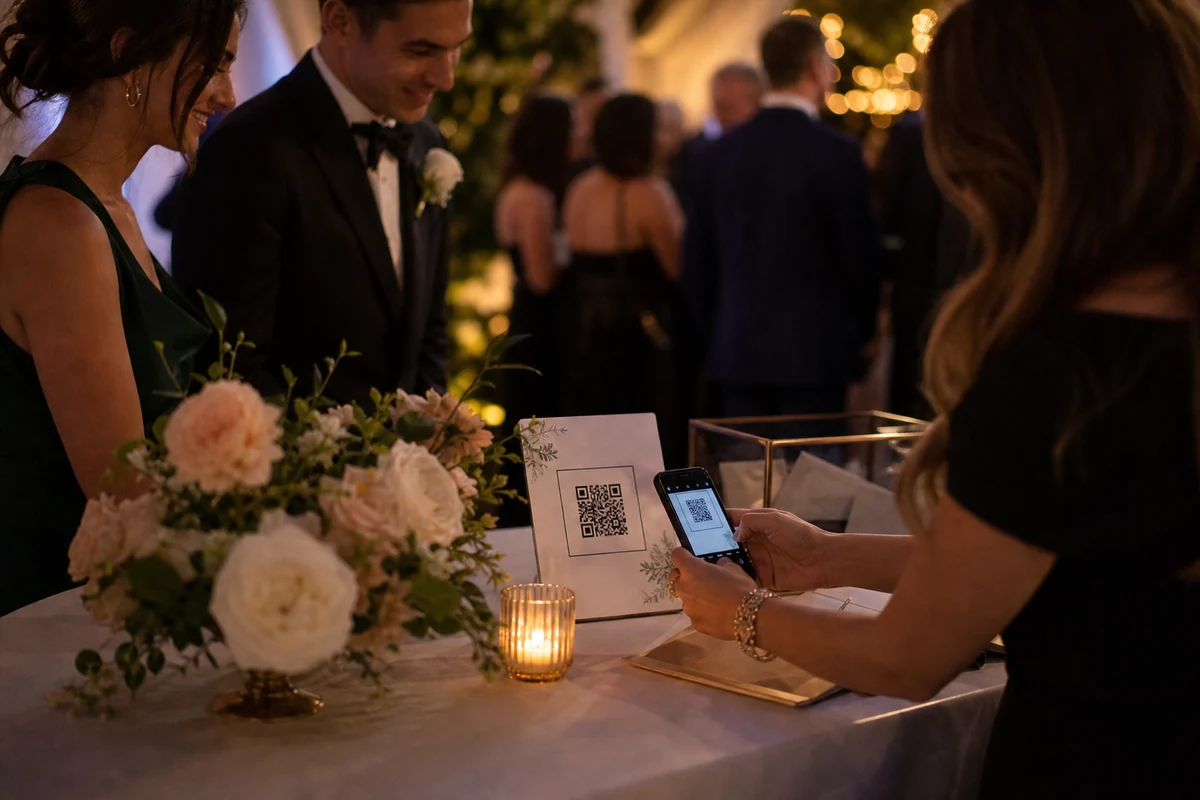
Table cards, the welcome desk, the bar, the DJ booth, and a photo corner are usually stronger than one poster near the entrance. The goal is not just visibility; it is a reminder at the moment guests have photos to share.
Use short copy: scan, join, upload. A private album does not need a long explanation if the first screen confirms the event name and what the guest can do next.
Keep privacy visible from the first tap
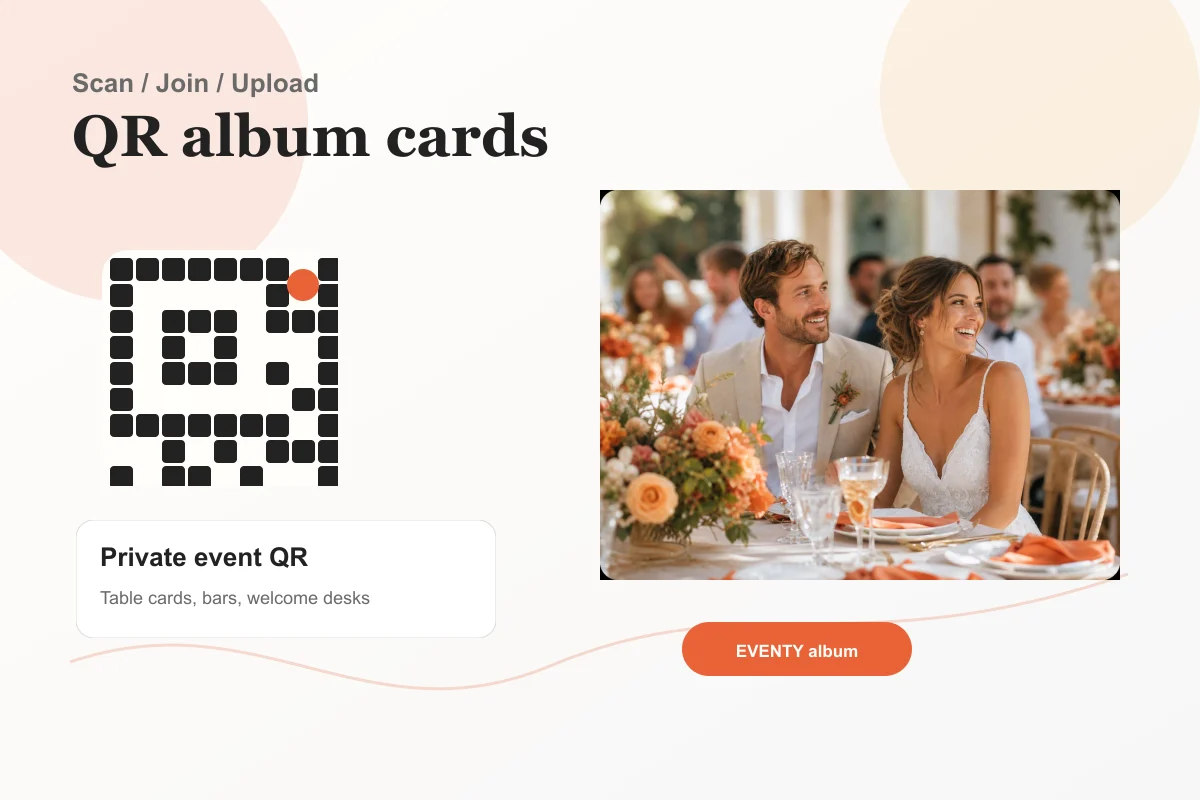
A private event album should make the boundary obvious. Guests should see the event identity, the upload action, and a clear signal that this is not a social feed.
For organizers, the important controls are invites, review, retention, and download access. Those controls should live in the app where the album can be managed after the party ends.
Plan the after-event handoff
Guest photos are most valuable after the event, when the organizer wants to review, download, and share selected memories. A QR setup should therefore end with a clean private gallery, not just a pile of uploads.
EVENTY is designed around that handoff: guests add photos quickly, and organizers manage the album from the mobile app with event settings that stay easy to find.
FAQ
Do guests need a public profile to upload photos?
No. The ideal guest path is tied to the invite and the event. Organizers can decide how guest access should work for the day.
Where should a QR code be placed at an event?
Use multiple natural touchpoints: tables, the welcome desk, the bar, and the photo area. Small repeated prompts usually outperform one large sign.