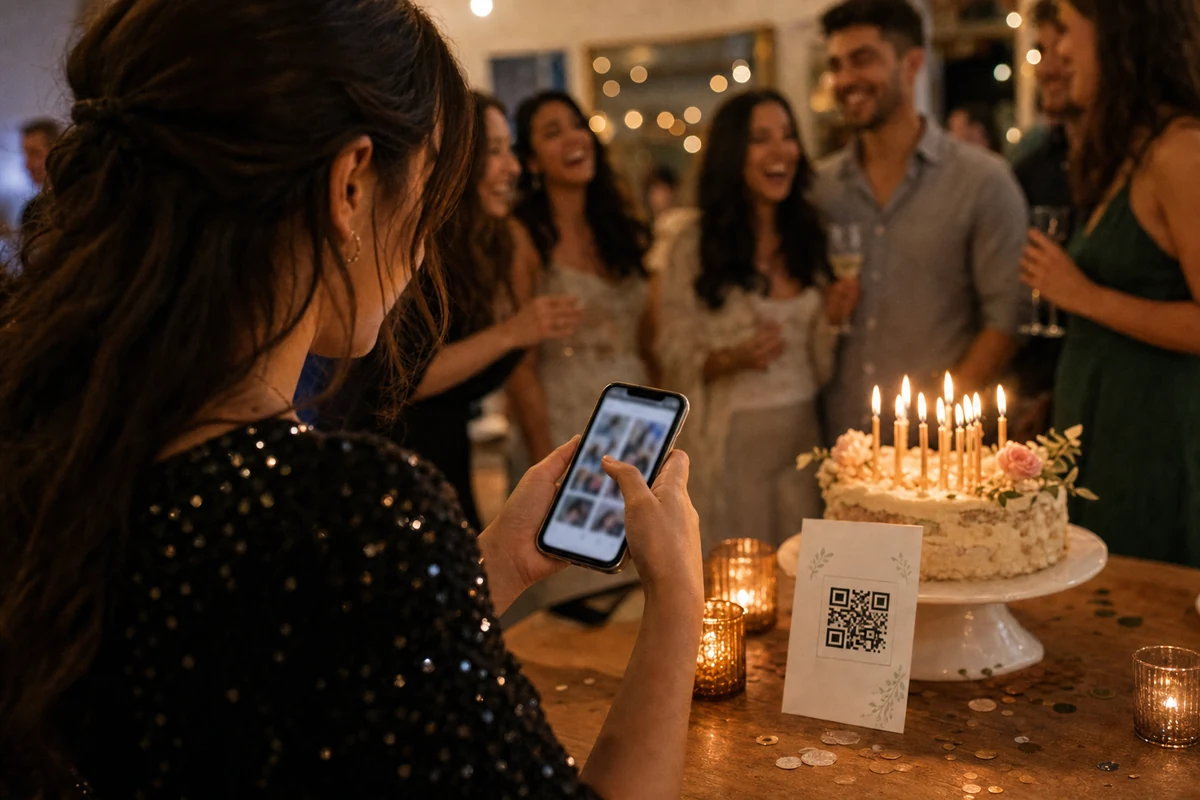
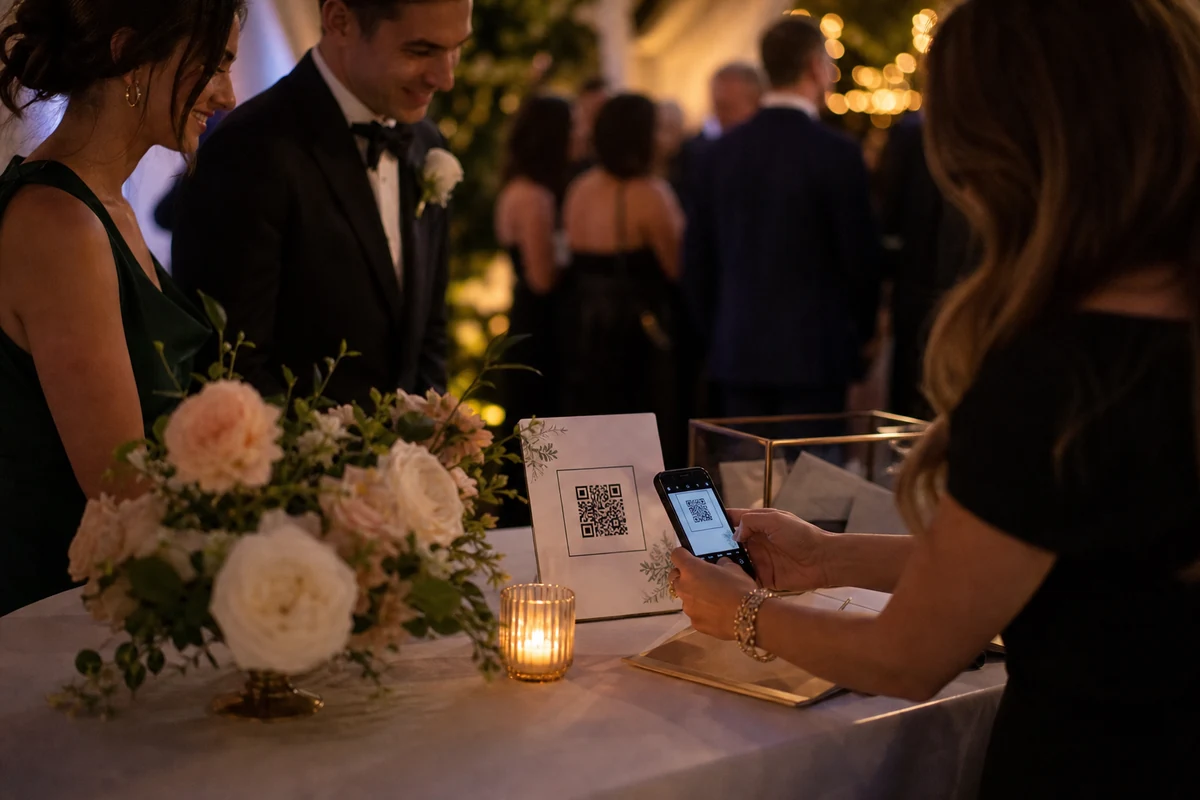
Short celebrations need simple QR prompts, a quick guest upload path, and a private gallery the organizer can review later.
Short events need fewer steps
Graduations and birthdays move quickly. Guests may only have a few minutes between arrivals, speeches, candles, and group photos.
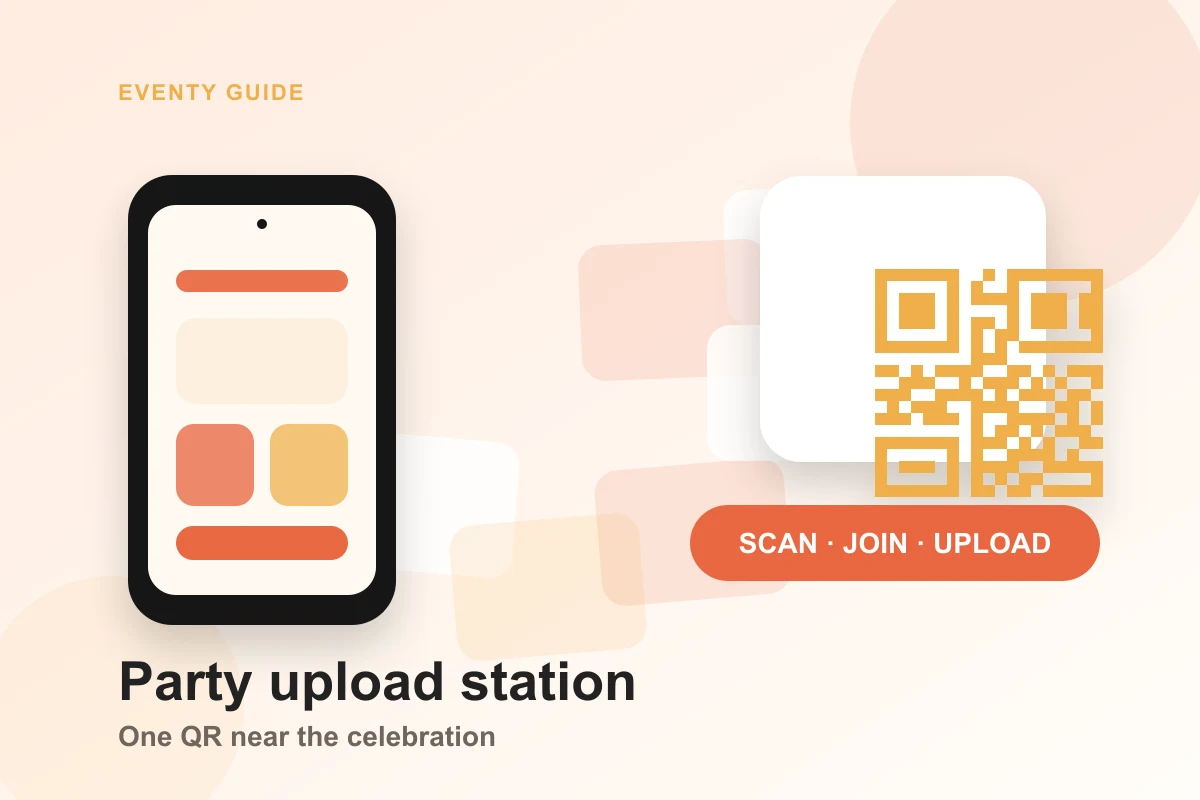
The upload flow should therefore be obvious: scan the QR code, confirm the event, and add photos. Anything more complicated will be skipped until later, if it happens at all.
Use repeated prompts instead of one announcement
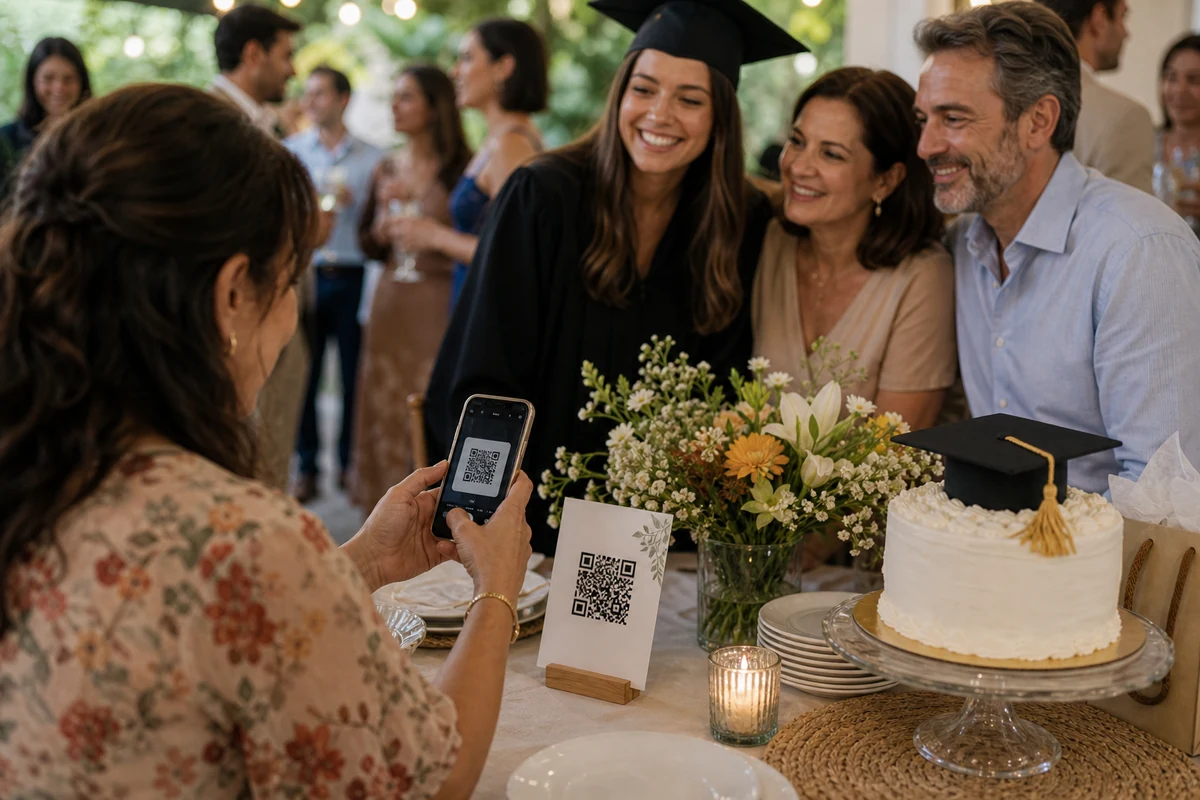
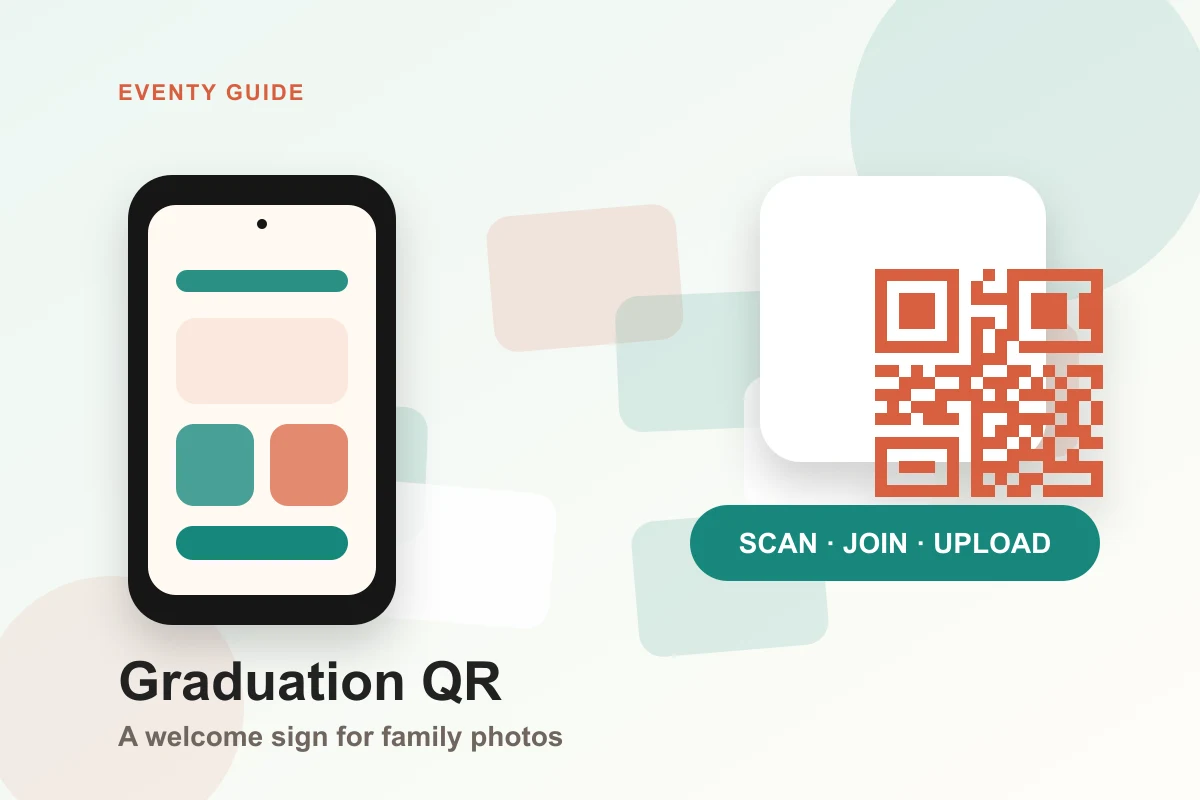
A single verbal reminder is easy to miss. QR cards on tables, near the cake, at the entrance, or beside a guestbook keep the upload option visible.
Because these events are informal, the prompt can be friendly and short. The album still needs to preserve privacy and keep photos tied to the right event.
Give the organizer one place to collect everything
After the event, the organizer should not have to search ten message threads for photos. The private album should become the central memory archive.
That is the practical value of QR event albums: less chasing, more complete memories, and a cleaner handoff after the celebration.
FAQ
Are QR albums useful for small parties?
Yes. Small parties often have the most scattered photos because guests send them through private chats. A QR album gives everyone one destination.
What is the best QR copy for birthdays?
Keep it direct: scan, join the album, upload your photos. The event name should be visible on the first screen.