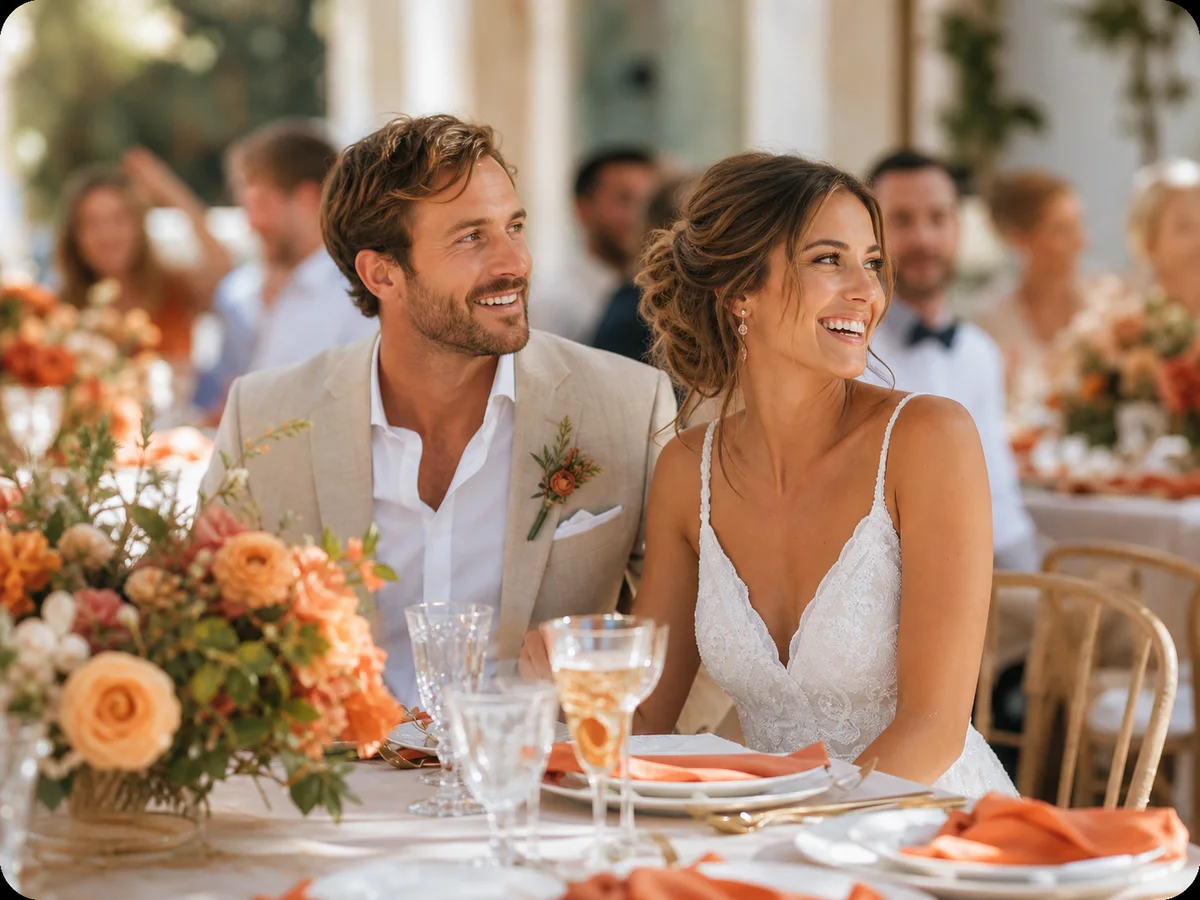
A wedding season can include several celebrations with different people and different expectations. Give each occasion a clear album, share its invitation with the right guests, and agree on what can be photographed before the first phone comes out.
Start with the occasion, not the family group chat
Kına often refers to a henna celebration, nişan to an engagement celebration, and söz to a gathering marking a couple's commitment. The order, size and traditions vary between families. Ask the couple what they are actually planning instead of assuming every occasion follows the same script. A small gathering at home and an evening in a hall need different photo invitations.
Write one line for each day: occasion, date, people invited and person responsible for the photos. For example: 'Friday henna evening, close family, managed by Derya; Sunday engagement lunch, both families, managed by Emre.' This simple note prevents the wrong invitation from becoming the default link in every conversation.
Use separate albums when the guest lists differ
Create a separate EVENTY event album for occasions that need separate audiences. Name it plainly, such as 'Deniz & Ece — Engagement — 18 October'. Give the henna evening its own name and invitation. A QR code opens the invitation it belongs to; it does not automatically combine several events or grant access to all of the couple's albums.
If everyone is comfortable sharing one gathering's photos together, a single album for that gathering may be enough. Decide this before printing cards. Check the title and cover on each invitation with a second person, then label any printed cards by occasion. Keep the album owner involved: helping with invitations should not mean borrowing the owner's account or password.
Agree on photo boundaries before the celebration
Some guests may be comfortable appearing in a family album but not on social media. Others may prefer no photographs during a particular moment, in a changing room, or while children are present. Ask the couple and the people concerned. Do not treat a tradition, a room's guest list or a dress code as proof of anyone's consent.
State the practical rule in the invitation: 'Please ask before taking close portraits. These photos are for our invited guests; ask us before sharing them elsewhere.' A private album reduces the need to post publicly, but it cannot stop someone taking a screenshot or sharing a downloaded file. Choose viewing and download settings deliberately and avoid photographing anything that should never be shared.
Place the right QR where people can pause
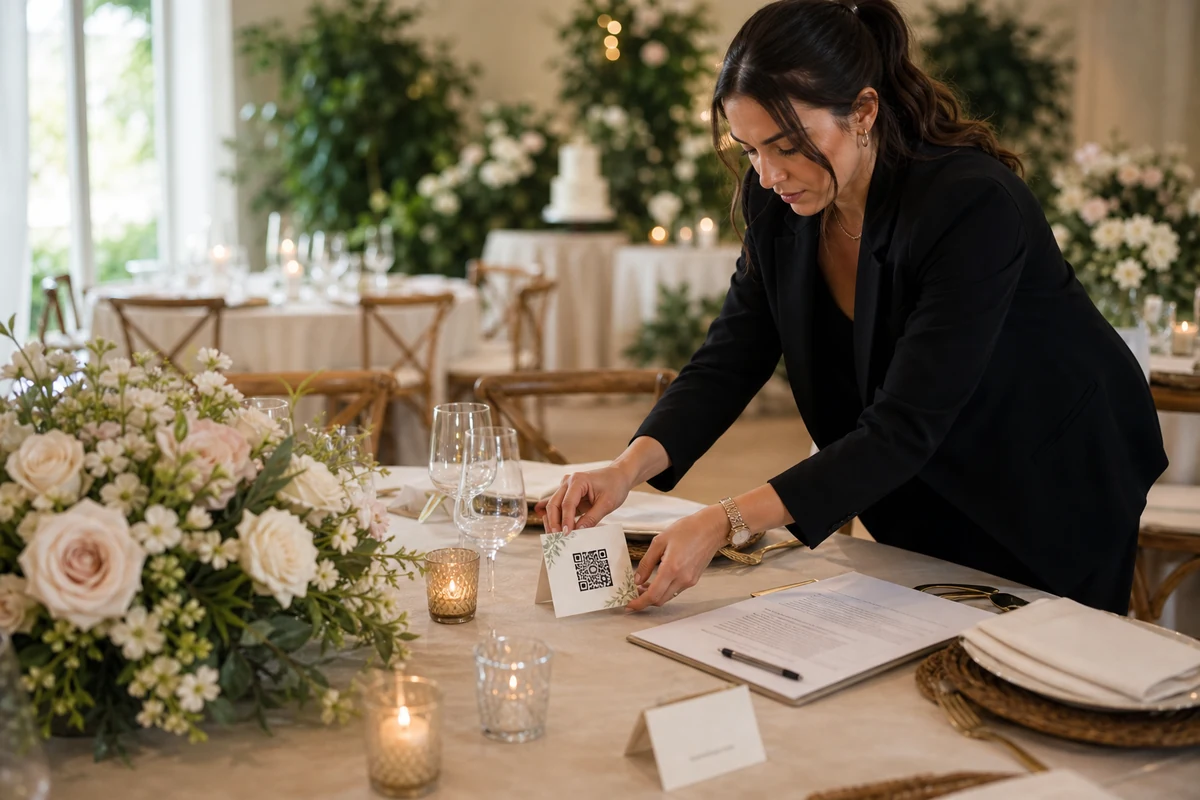
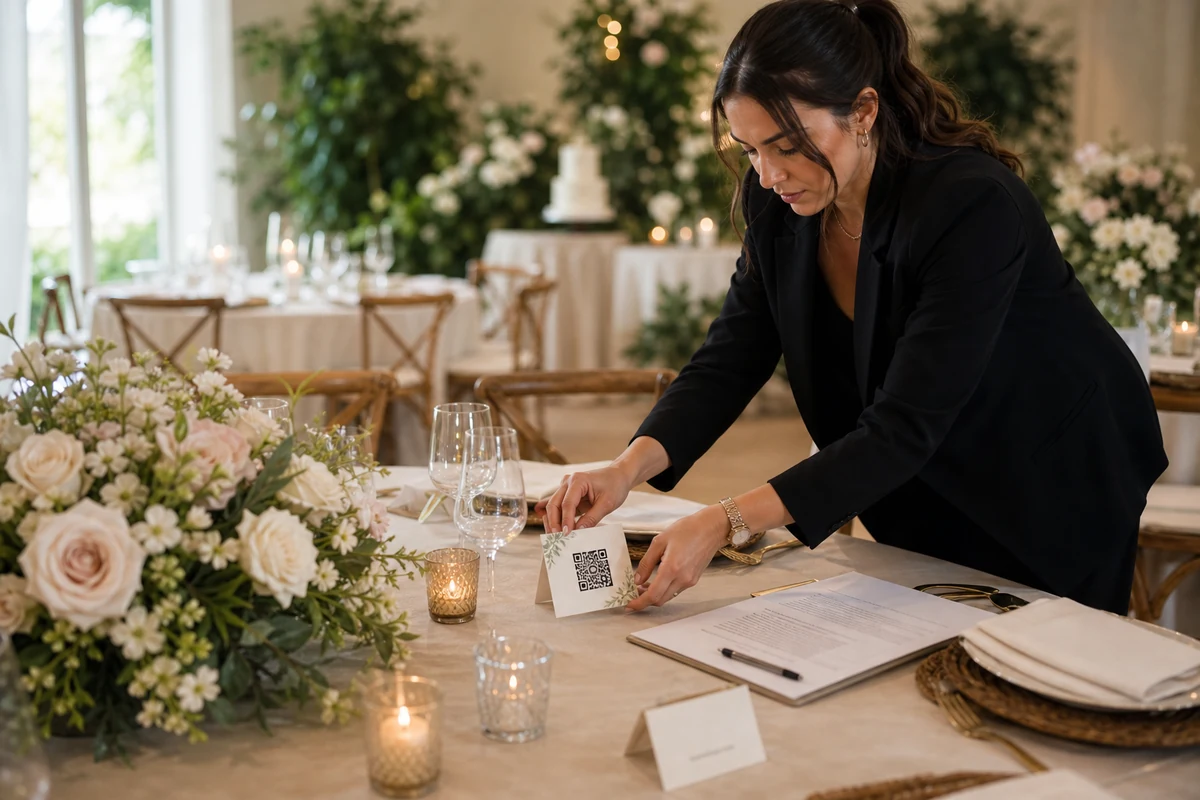
A welcome table or a place beside the tea service is often easier to use than a sign behind a busy ceremony area. Put the occasion name above the QR and a short instruction beneath it: 'Add your photos to our private engagement album.' Provide the same invitation as a link to invited guests who cannot comfortably scan a code.
Test the printed card on a phone before the day. Check that it opens the expected event, that the text is readable, and that the host's chosen guest flow is available. Clear away old cards between occasions, including cards left at a relative's home. Do not put the private invitation on a public venue page or an open social media post just to make it easier to find.
Offer help without taking over someone's phone
Nominate one willing relative to explain the album during quiet moments. They can say, 'Open this invitation, check the event name, then choose the photos you want to share.' EVENTY's browser guest flow can be useful when the invitation permits it; the actual invitation screen shows whether joining and uploading are available. Do not promise that every link stays open forever.
Let guests select their own files. Avoid browsing their camera roll, forwarding a whole chat history or uploading pictures on their behalf without checking each one. If someone needs help, show the steps on your own phone first. A guest who cannot upload immediately can keep their originals and try during the album's available upload period.
Ask for a few meaningful perspectives
For a söz gathering, useful photographs might include the table before everyone arrives, the families greeting one another, a permitted close-up of the rings, and a relaxed group portrait. For an engagement party, add guests' reactions and a few moments between formal portraits. For a henna evening, ask which preparations and rituals the participants want recorded; preferences can differ even within one family.
Keep the request small. One relative can photograph a table detail, another can offer a family group picture, and everyone else can share a favourite spontaneous moment. No one needs to document the entire evening. If a professional photographer is present, ask about unobstructed positions and give them priority around the ceremony and planned portraits.
Seven candid moments wedding guests can look for
Give late uploads a clear, realistic invitation
Wait for a calm interval before mentioning uploads. Guests can enjoy a meaningful moment first and add their photos later. If the connection is weak, keep the original files on the phone rather than repeatedly submitting the same selection. On the upload screen, check the result for each file; a selected thumbnail or a moving progress bar alone is not confirmation that it has reached the album.
Afterwards, the organizer can send the relevant invitation to the guests of that occasion while uploads remain available. Name the event in the message and use the closing time actually shown for the album. If an image is awaiting host review, explain that it may not appear in the shared gallery yet. Do not promise immediate visibility when review is enabled.
Review each album before making the family archive
Review the occasions separately so that a request to remove a henna photograph is not lost among engagement pictures. Deal with duplicates, accidental uploads and photo removal requests before sharing a selection more widely. Ask for permission again if the destination changes from an invited family album to a public post. Participation in one does not establish agreement to the other.
When the album's available download or export options allow it, save the photographs you want to keep before the displayed access period ends. Name local folders by occasion and date, and keep a second copy somewhere you control. A family archive is useful when people can understand what is in it and who should receive it, without guessing which of several unlabelled links is the right one.
FAQ
Should a henna night and an engagement party share one QR code?
Use separate albums and invitations when the occasions have different guests or privacy expectations. Each EVENTY QR belongs to its event invitation; it does not merge separate events. Check both invitations before printing.
Can the family organizer use the couple's account?
Avoid sharing a password. Keep the album owner responsible for access and use the available event roles when another person needs to help. Having an invitation to one occasion does not give someone ownership of other albums.
Does a private album make every photograph safe to share?
No. Ask the people photographed, especially for personal moments and children's photos. Album access and download settings help define the audience, but cannot prevent screenshots or copying outside the service.
What should we do with cards left over from the previous occasion?
Remove them before the next gathering and replace them with cards showing the new occasion's name and invitation. Scan one card after setup to check the event title, not just whether the code opens a page.
Give each celebration a place for its photographs
See how EVENTY brings invited guests' photos into a private event album.