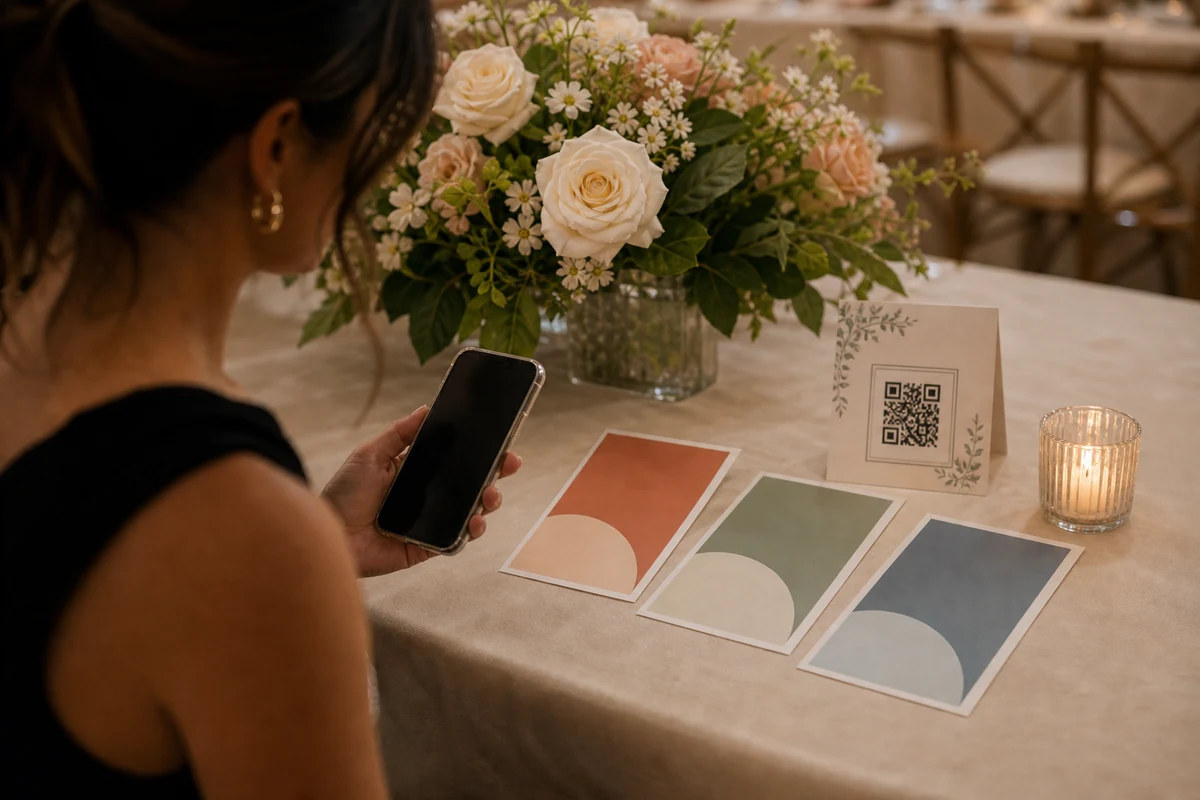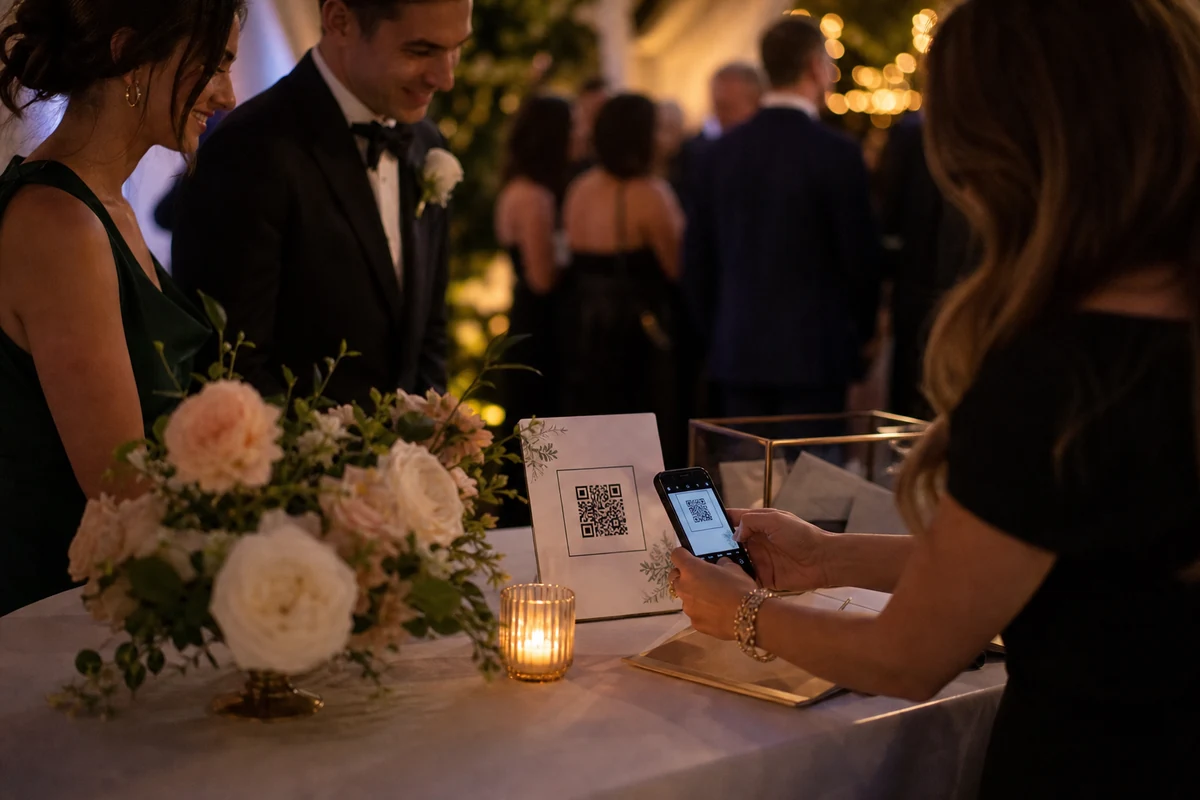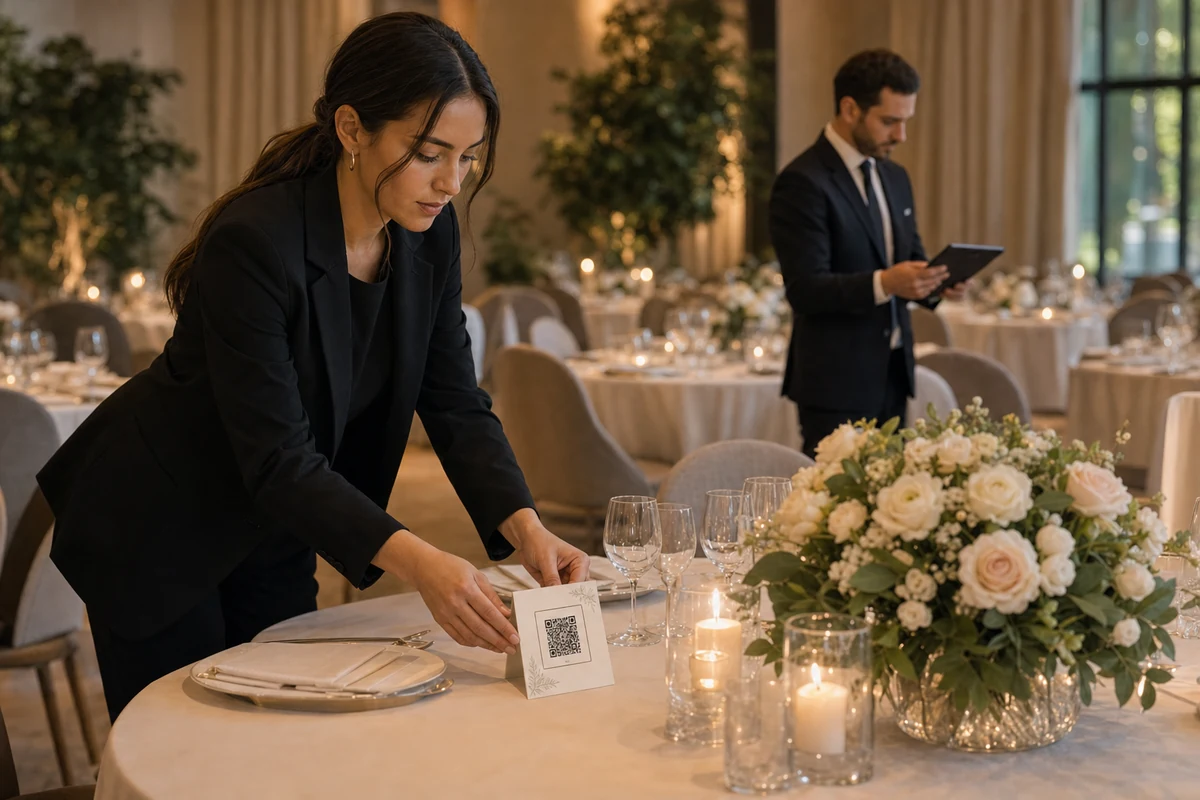
The venue does not need to chase guest photos for every client. A repeatable QR album setup gives each event one clear place for guest photos.
Add the QR album to the event package
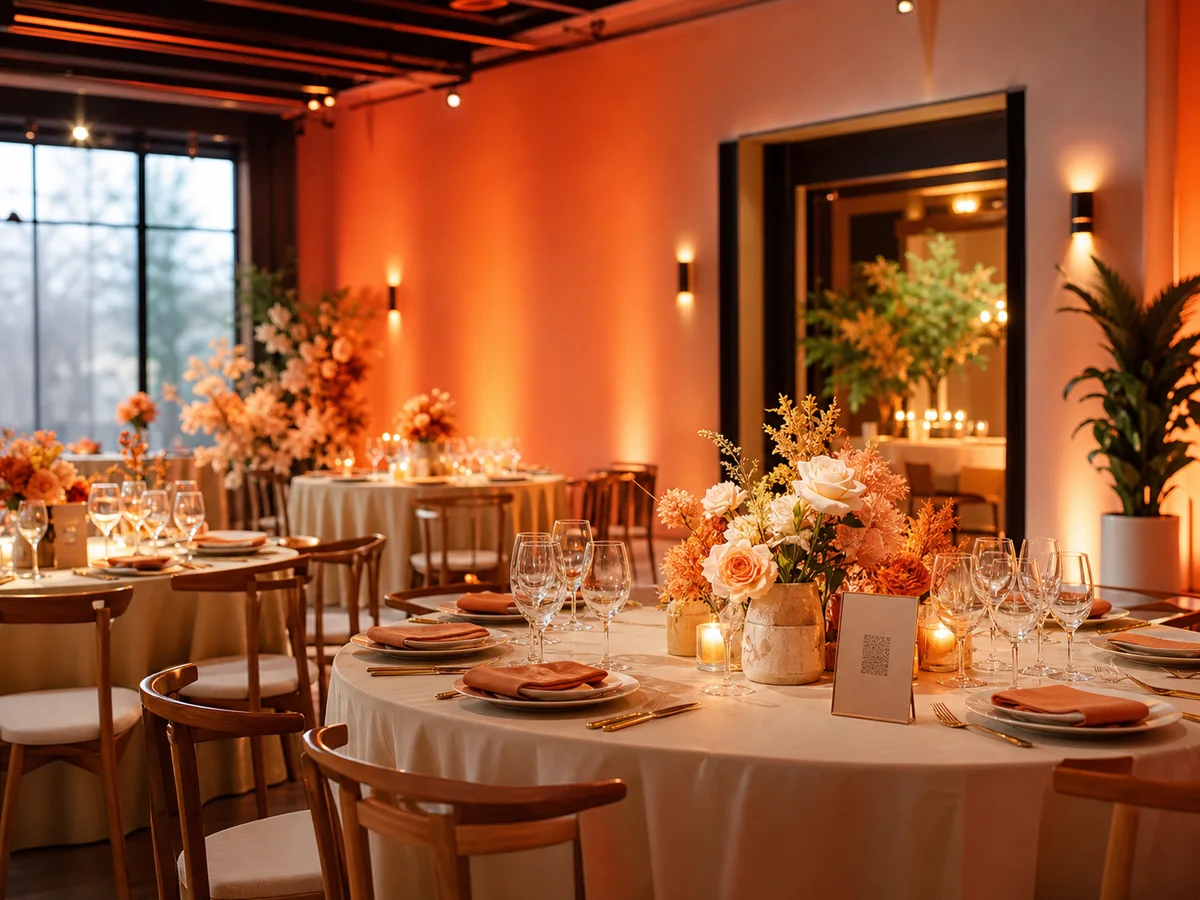
A venue can make guest photo collection feel like part of the service instead of an afterthought. The client gets one private album, and guests get one QR code that is easy to find during the event.
This works best when the QR album is included in the same checklist as table setup, signage, welcome cards, and planner notes.

Prepare materials staff can repeat
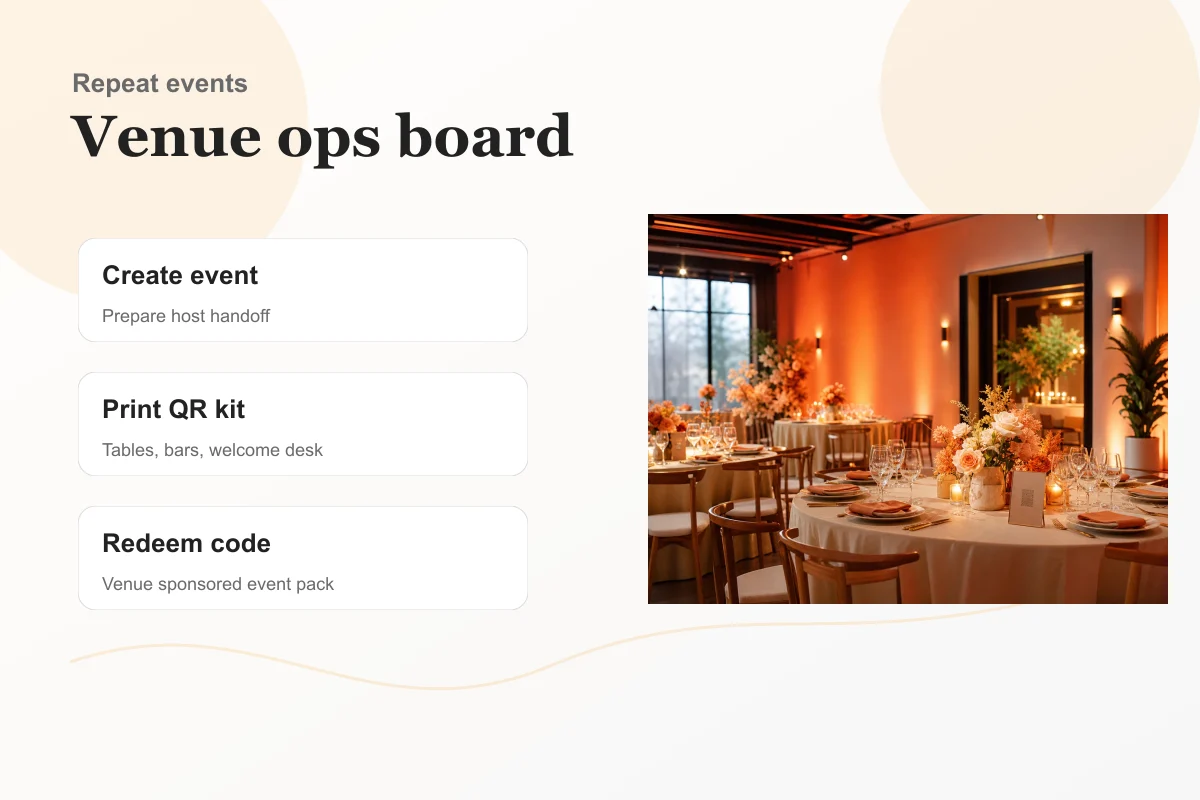
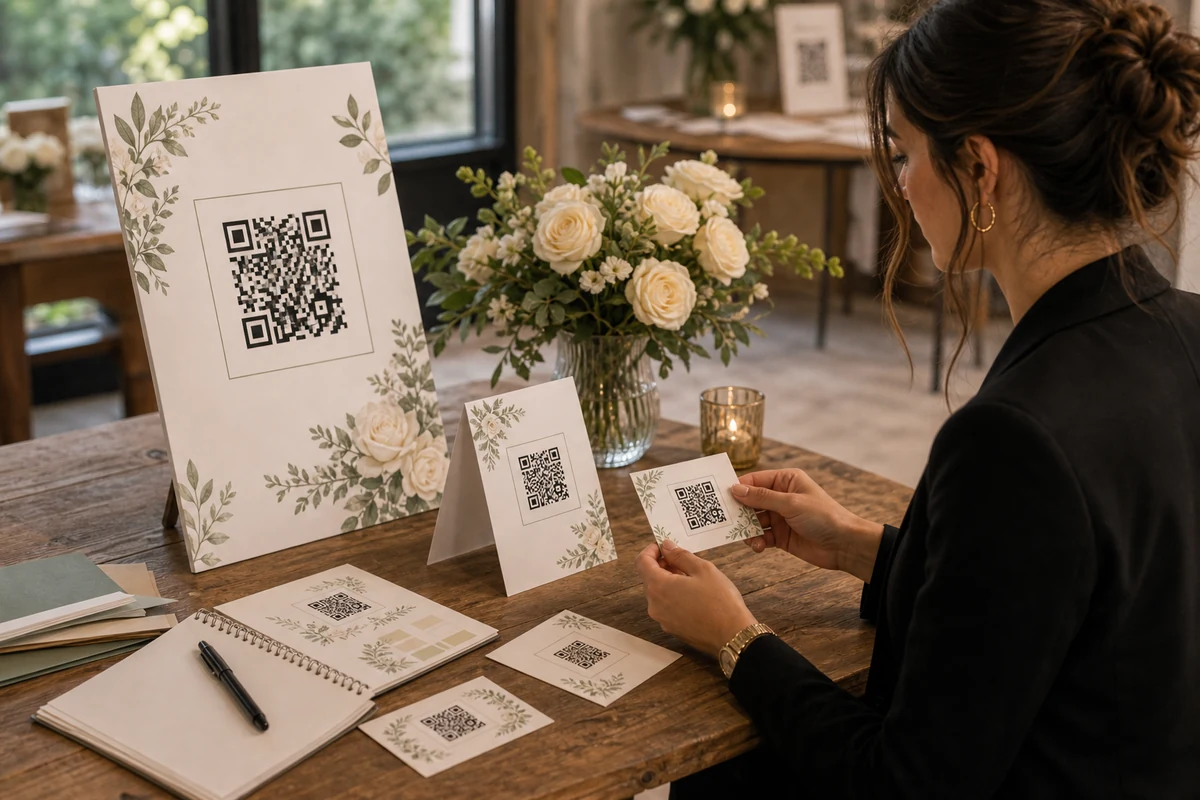
Staff should not have to invent a new photo-sharing setup for every booking. Keep a small set of QR card layouts, placement notes, and a customer handover message ready.
The goal is a process any coordinator can run: prepare the album, place the QR cards, remind the client, and leave the organizer with a clean place to collect photos.
Keep guest photo collection private
QR cards can match the event style and still stay simple. Guests only need to know that the code opens the right album and that photos are added for this event.
The venue can help with setup, but the organizer should keep control of the album, downloads, and storage choices.
Make the post-event handoff easy
The best sign that the setup worked is not the number of cards printed. It is whether guests used the QR code and the client left with an album they can review after the event.
For venues, that is the business value: a small operational step that creates a better memory handoff for every booking.
FAQ
Can venues sponsor event albums for customers?
Yes. Venues can include event packs or redeemable codes in their own packages, then let the organizer activate and manage the album in the app.
What should staff prepare before an event?
The album invite, QR cards, placement notes, a short message for the client, and a simple support contact if someone needs help.