A group chat can suit a small, familiar circle. A private QR album gives a larger wedding one clear collection point. Here is how to choose, and when to use both.
Decide what happens after the photos arrive
A wedding photo collection has two jobs: help guests share a few moments easily, and leave the couple with an album they can actually use. A WhatsApp group may handle the first job well for people who already talk there. A dedicated private album can make the second job clearer by keeping contributions together instead of mixing them with conversation. Neither choice guarantees that guests will participate. The invitation, the timing and a person who can help all matter.
Before choosing, finish this sentence: ‘After the wedding, we want to…’ You might want to browse a few funny pictures, share memories with invited guests, review contributions before showing them, or download an archive. Those outcomes need different amounts of organization. Choose for the outcome rather than adding another tool because it looks impressive on the stationery.
When a WhatsApp group is a reasonable choice
A small family celebration may already have a group whose members know one another and are happy to use it. In that situation, a short photo request can be easier than introducing a separate album. Agree on who collects the pictures, keep the request easy to find, and tell contributors whether you want a few highlights or a broader set. A group can also be useful for questions and last-minute coordination.
The tradeoff is the conversation around the photos. Thank-you messages, travel updates and repeated pictures can make the final collection harder to assemble. Some guests may prefer not to join another chat, particularly when several friendship groups are meeting for the first time. Give them an alternative rather than making group membership the price of sharing a photo. For a very small collection, a little manual sorting may still be perfectly acceptable.
When a private QR album earns its place
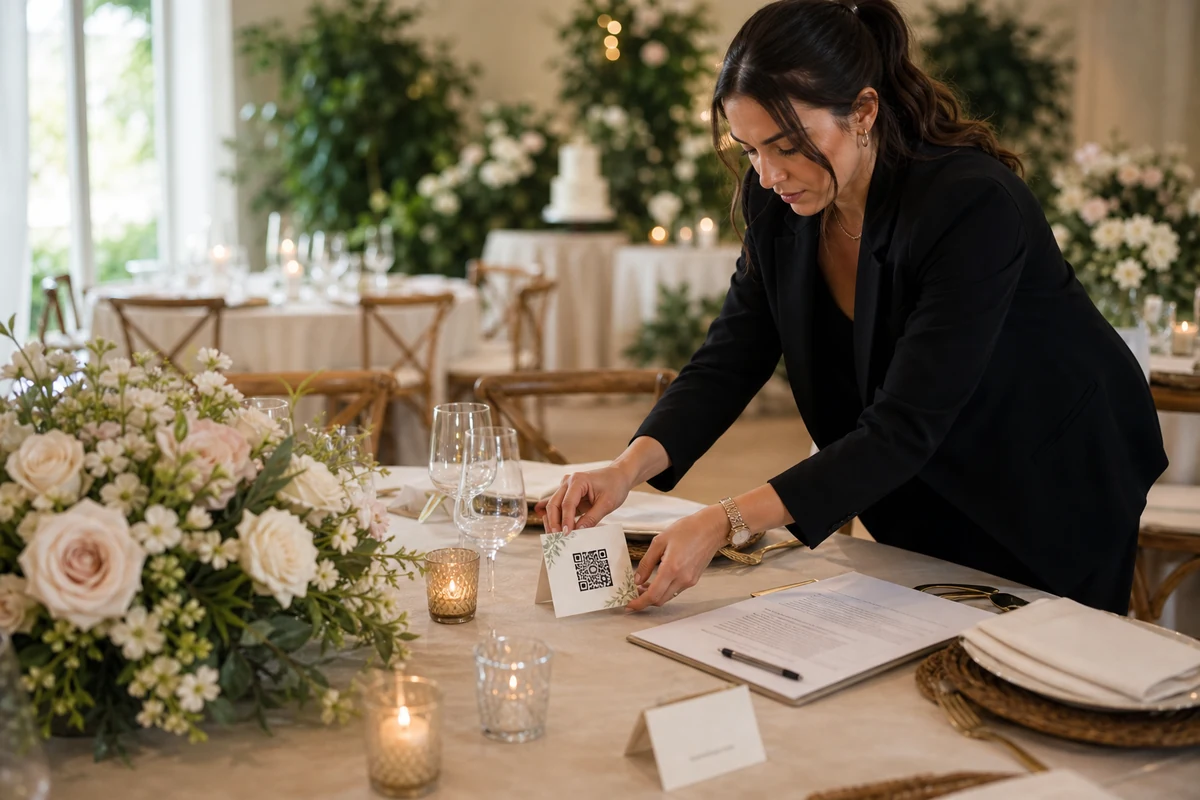
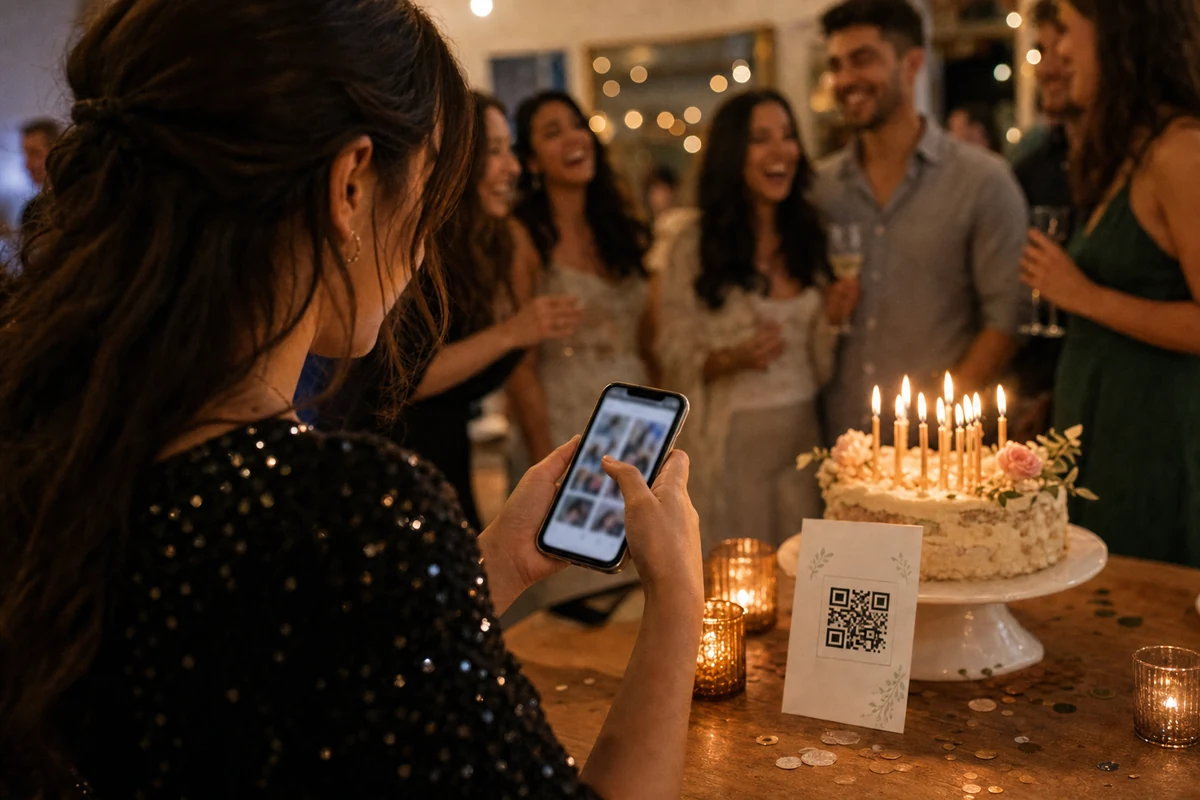
A dedicated album becomes useful when guests come from different circles, invitations appear on printed cards, or the couple wants one place to review the result. A QR code and its matching link can point to the same album from a table card and a private message. The album carries the purpose; the messaging channel carries the invitation. Guests do not need to search a long conversation to find where their next photo belongs.
In EVENTY, the organizer creates and manages the album in the iOS or Android app. When browser contribution is enabled for that event, an invited guest can open the link, enter a display name, accept the event acknowledgement and add photos in the browser. This is a guest route, not an organizer account setup. Check the event's settings and current upload availability before promising that everyone can contribute this way.
Compare the whole guest journey, not the first tap
Try the proposed method from a guest's point of view. Can they recognize the wedding before selecting anything? Do they know who will see the pictures? Is there one obvious place to add them? Will they understand when the upload has finished? A familiar chat can feel effortless to one person and inconvenient to another. A QR code can feel simple until a guest has weak reception or cannot scan the printed card.
Test with someone outside the planning team on a phone they normally use. For a QR album, keep a link available in a private message as an alternative to scanning. If a guest needs help, explain the next action without asking for their phone password or taking over their personal gallery. Ask for a few chosen moments; do not make participation sound like a task everyone must complete during the reception.
Explain privacy in words guests can understand
‘Private’ needs context. Tell guests whether the album is intended for the couple alone or for invited participants, who manages it, and how to raise a removal concern. A dedicated album is not a reason to upload someone else's private moment without asking. The same care applies to a group chat: children, an upset guest, a conversation caught in the background or a picture someone dislikes may need a pause before sharing.
Keep real invitation links and QR codes within the intended audience. Do not post them on an open social account just because the reception has finished. In EVENTY, album access and available actions follow the event's invitation, membership and settings. Review those settings rather than promising that every participant has identical viewing or download rights. If you need a different audience, discuss that with the organizer before circulating the link further.
Check the file you receive instead of guessing about quality
Avoid a blanket claim that every chat photo is poor quality or every album download is an untouched original. File quality depends on the source photo, the sending method, any edits and the service's handling of that file. A screenshot of a picture is a different starting point from the picture selected from the camera gallery. A small on-screen preview also does not tell you everything about a saved file.
Use a practical test: take one normal phone photo, share it through the proposed route, and save or download the result using an action available to the intended recipient. Compare its dimensions and visible detail with the source. Repeat with a video if clips matter to you. In EVENTY, an album preview and an allowed original download serve different purposes. Verify permissions, package limits and the actual download flow before printing ‘original quality’ on a sign.
A mixed guest list needs a simple division of work
Imagine a reception with family members, university friends and colleagues. Some have been in the same chat for years; others do not know one another. You can keep the existing chats for conversation and share the same private album link into each relevant circle. A table card reaches guests who did not see the message. One person handles questions, while the couple enjoys the day. This is a planning example, not a promise that every guest will upload.
Afterward, the person managing the album checks the collected photos and any items awaiting review, then prepares the permitted download or handoff. If a few guests already sent photos privately, ask before adding those pictures to a wider album. Do not quietly turn a one-to-one message into permission for all invited participants to view the file. That small step is easier than correcting an uncomfortable misunderstanding later.

Use chat for the request and an album for the collection
The two methods do not have to compete. A message can say: ‘We loved celebrating with you. If you have a few photos you would like to share, please add them to our wedding album here: [private link].’ Then leave the collection in that one place. Avoid requesting the same files in a chat, an email thread and several folders unless you have decided who will reconcile them.
Send a thank-you before another request, and use a real deadline only when you have checked the album's upload window. The invitation should remain optional. A guest with no photos, a slow connection or a privacy concern should not need to explain themselves. Ready-to-copy wording can help, but replace every placeholder and check the link before sending anything.
Choose with a short rehearsal before you print
Run the complete sequence once: open the invitation, recognize the event, contribute a test photo, confirm it arrived, review it as the organizer, and check the final save or download action. Use only a photo you are happy to share, and remove test contributions when the rehearsal is over. Test a printed proof too; a working link on a laptop does not establish that the small QR card at a candlelit table is readable.
If the existing group gives you the result you want with acceptable sorting, keep it simple. If you need a clearer collection point and a deliberate album handoff, prepare the private album and use your existing conversations to introduce it. Either way, give guests one clear request and give the couple one person responsible for finishing the collection.
FAQ
Should we replace our wedding WhatsApp group with an album?
Only if the group no longer fits the job. Keep it for questions or conversation if guests find it useful, and use one private album link for photo collection. A small existing group may be enough when you are comfortable gathering and sorting its photos yourself.
Must wedding guests install EVENTY to add photos?
When browser contribution is enabled and the event is accepting uploads, invited guests can use the event link in a browser, enter a display name and accept the acknowledgement. The organizer manages the album in the iOS or Android app. Check your event settings before choosing invitation wording.
Is a QR wedding album automatically more private than a chat?
A QR code alone does not establish privacy. The audience, invitation sharing, membership, album settings and contributors' choices all matter. Explain who can see the album and keep the real invite within that audience whichever collection method you choose.
Which method gives the best photo quality?
Test the exact sharing and download route rather than assuming from the product name. Compare a saved result with a source photo, including dimensions and visible detail. Avoid screenshots or previously reduced copies when you want a better starting file.
See how a private wedding album fits your day
Explore the guest contribution path and organizer app before choosing your collection method.