A good wedding photo sharing app is not just storage. It should help guests upload quickly and help the couple or planner control privacy, retention, and export after the reception.
Compare the guest path first
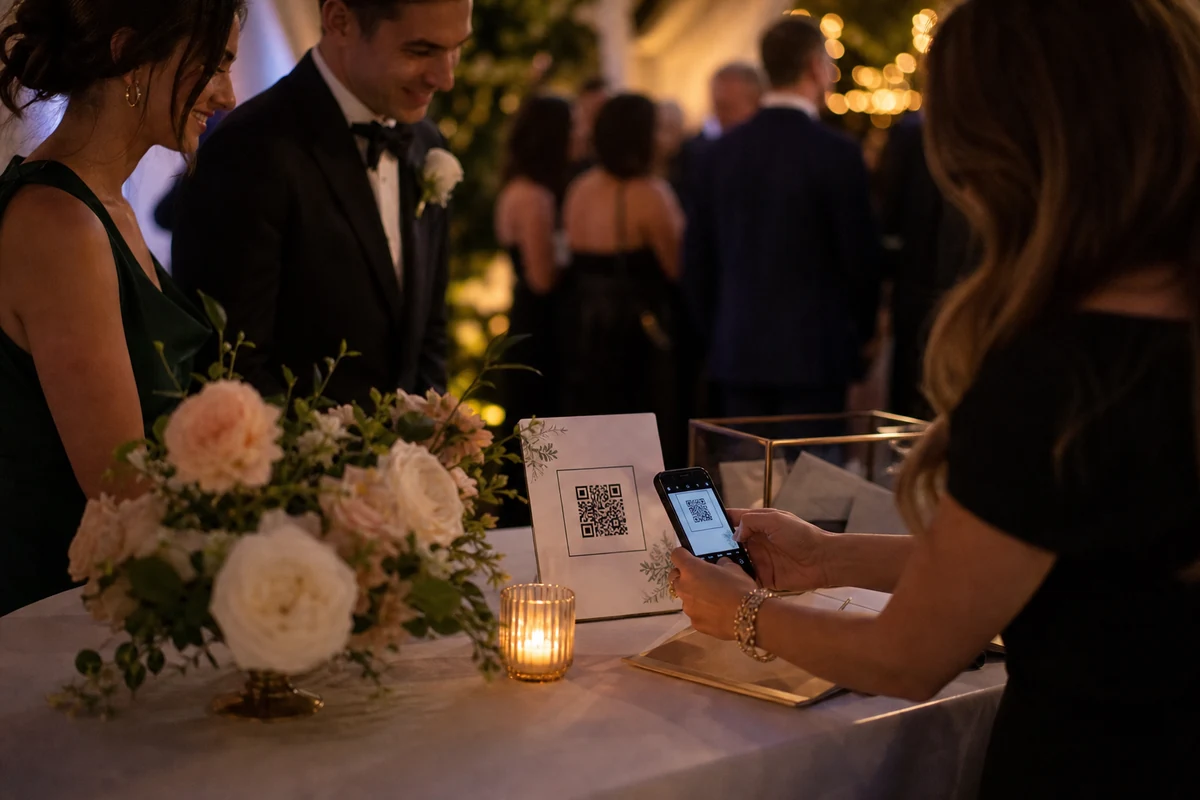
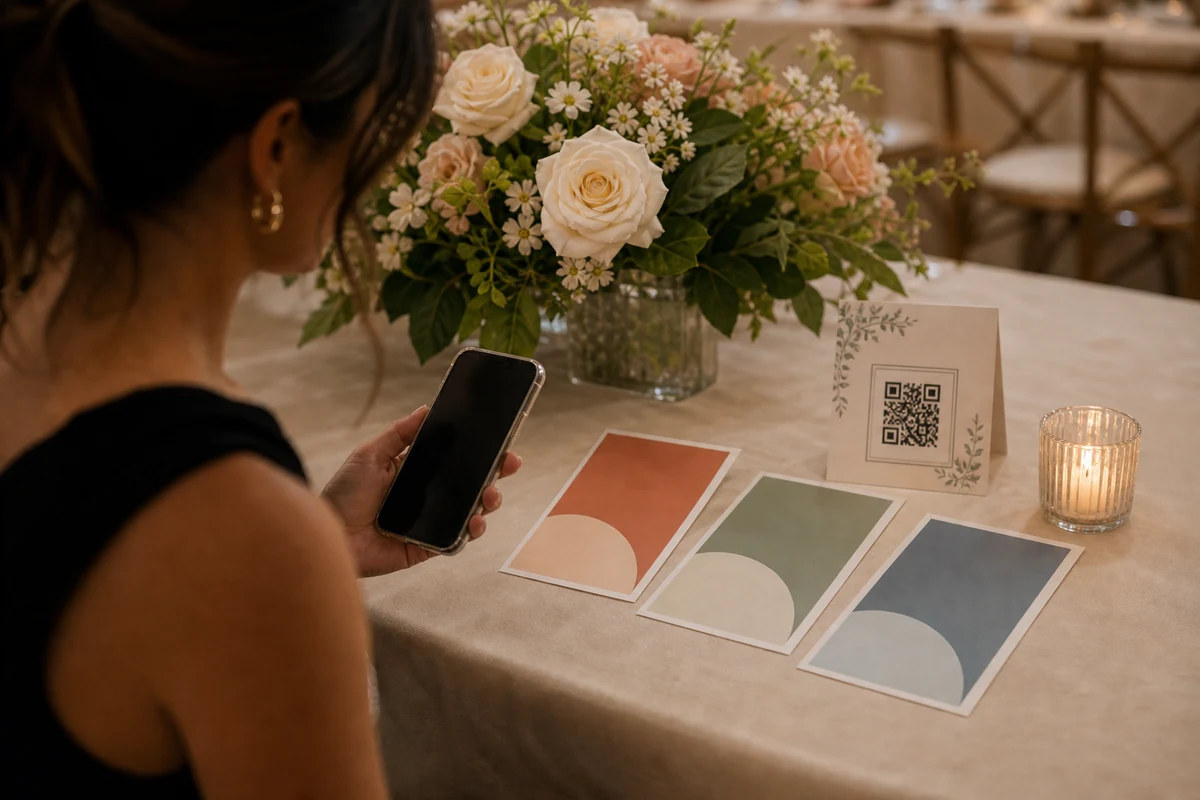
The strongest wedding photo sharing tools start with the guest experience. A guest should scan a QR code, recognize the wedding, understand that the album is private, and reach the upload action without creating a management account.
When comparing options, test the flow on a real phone. Count the number of taps before a guest can add the first photo, and check whether the page still makes sense on slow venue Wi-Fi.
Check privacy and organizer control
A wedding album should not feel like an open public feed. Look for invite-scoped entry, clear event identity, organizer-side controls, and a way to explain retention and deletion without confusing guests.
The couple, planner, or trusted host should control the album after the event. Guest upload should stay separate from billing, role management, package choices, and export settings.
Match pricing to one event
Many weddings need one intense collection window, a clean review period, and a final archive. That is different from a generic monthly subscription or a loose cloud folder.
Compare plans by guest count, photo and video allowance, retention, organizer export, ZIP export, and whether a planner or venue can hand off access without owning the couple's album.
Plan the post-wedding handoff
The real value appears after the reception. The couple should be able to review what guests added and download the album without chasing separate links, messages, or permission requests.
For venues and planners, the repeatable workflow matters: one event code, one QR kit, one customer-owned album, and clear support boundaries.
FAQ
What should I compare before choosing a wedding photo sharing app?
Compare guest upload friction, QR placement, privacy model, app requirement, organizer export, retention, pricing model, and whether the workflow fits planners or venues.
Is a shared cloud folder enough for wedding guest photos?
It can be enough for a very small trusted group. A dedicated event photo sharing app is usually a better fit when you need QR entry, guest upload guidance, private album controls, and a cleaner export path.
Do guests always need to install an app?
Not always. In EVENTY, guests can use the invite web flow when the event allows it, while organizers still manage setup, packages, downloads, and retention in the mobile app.